PRT12MF-DES PRT82MF PRT84MF Operating Manual.doc
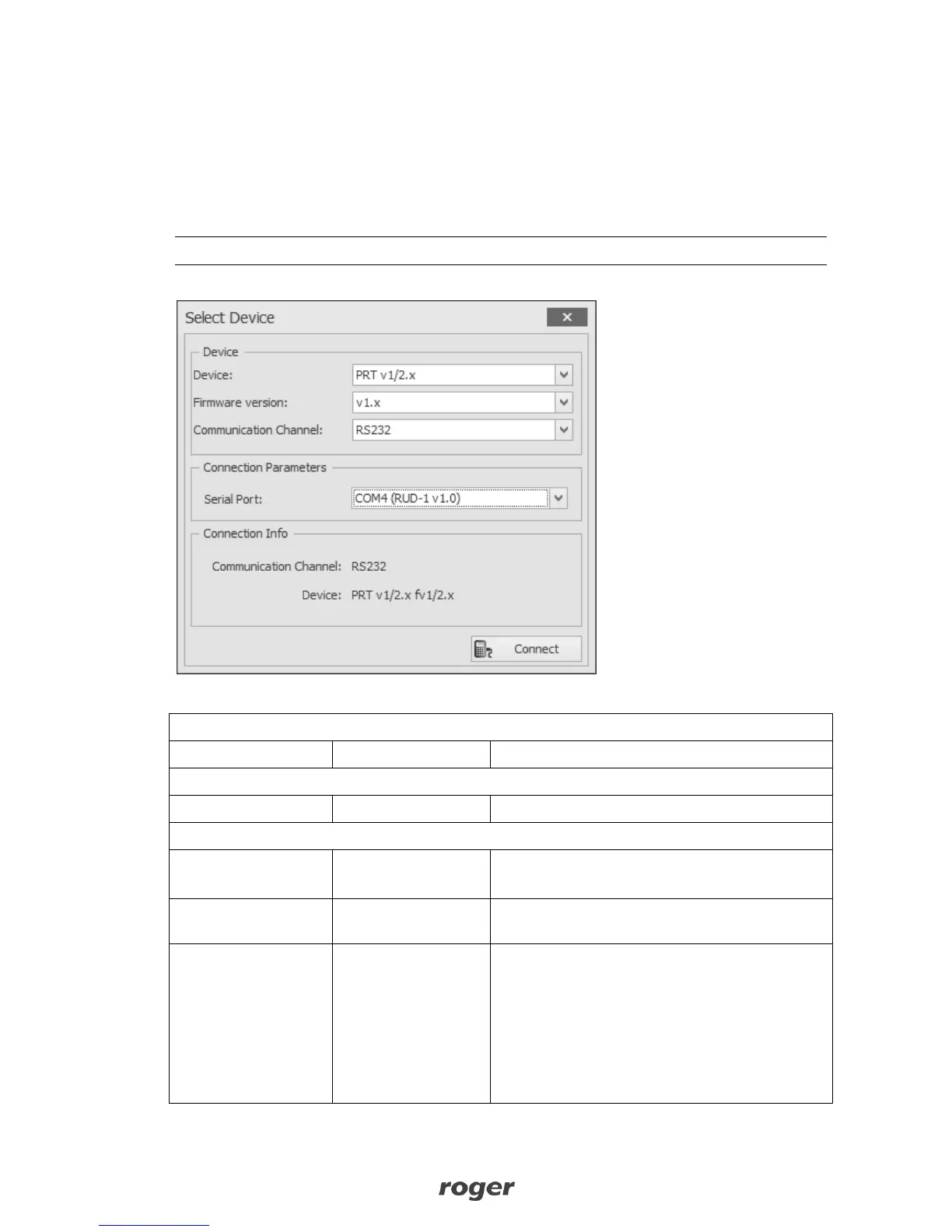
5. Click
Connect
, the program will establish connection and will automatically display
Configuration
tab.
6. Depending on requirements of specific installation configure operating mode, address and other
settings.
7. Click
Send to Device
to update the configuration of reader.
8. Optionally make a backup by clicking
Send to File…
and saving settings to file on disk.
9. Remove jumper from MEM contacts and disconnect reader from RUD-1 interface.
Note: Do not read any cards nor press reader keypad when reader is configured with RogerVDM.
Fig. 5 Select Device window view
Table 1. Configuration parameters
Device description, any comment.
0 – RACS CLK/DTA
1 – Wiegand
Parameter defines data output format which
reader uses for communication with controller.
Reader address for RACS CLK/DTA address.
Wiegand card output
format
Wiegand card output format:
0 - Wiegand 26 bit
1 - Wiegand 34 bit
2 - Wiegand 42 bit
3 - Wiegand 66 bit
4 - Wiegand 32 bit, no control bits
5 - Wiegand 32-bit, reverse order, no control bits



 To Next Page