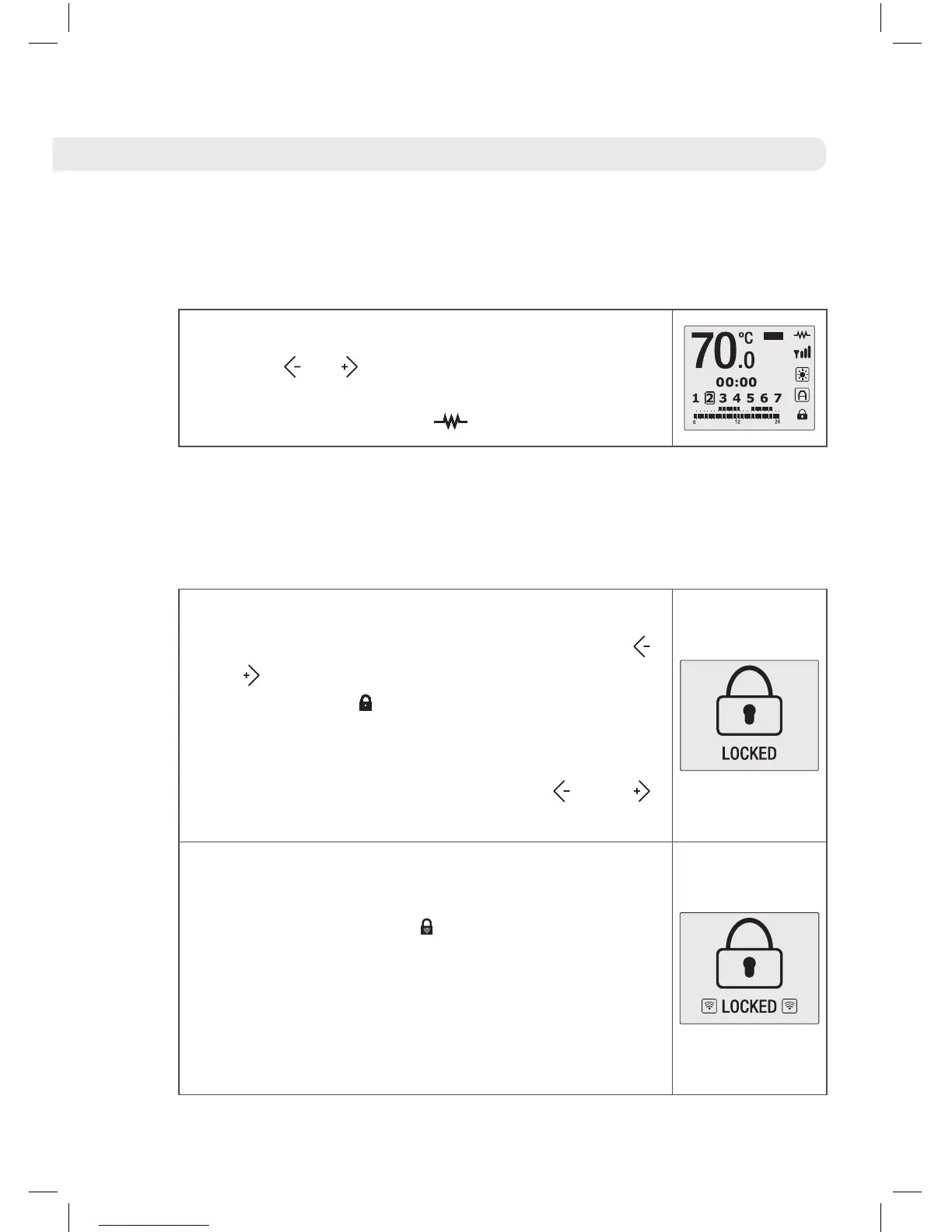
7.3 Temperature selection
You can change the desired temperature using
the keys or . If the temperature of the room
is less than is desired then the water heater will
begin to heat up and the symbol will appear.
7.4 Locking the control panel
You can lock the product from the actual control panel of the water
heater or remotely via the Rointe Connect App or the Air Control
remote control.
On the product control panel you can lock the
keypad by pressing and holding down the
and buttons at the same time for 3 seconds.
The locked icon will appear. When you press
any button the image on the right will appear on
the screen. You can unlock the product again
by pressing and holding down the and
buttons for 3 seconds.
If we lock the product via the application or
remote control then the remote locked icon will
appear on the screen . When you press any
button on the water heater control panel, the
image on the right will appear on the screen. If
the product is locked in this way, you can only
unlock the water heater via the Rointe Connect
app or the Air Control remote control.





 To Next Page