30
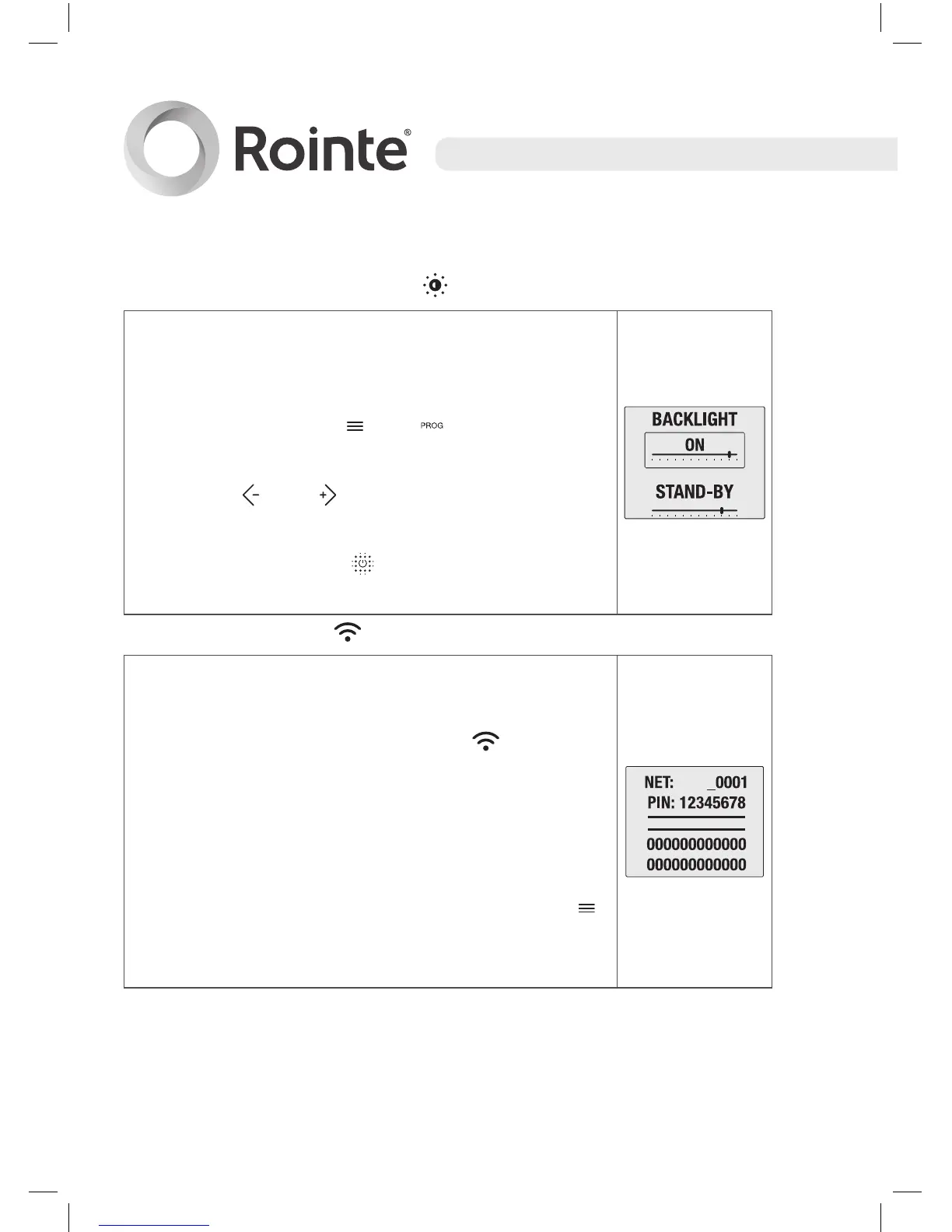
• Screen backlight function
This function allows you to change the brightness
of the screen in the STAND-BY and BACKLIGHT
(ON) modes. We can change between the 2
modes by using the and buttons.
We can increase or decrease the brightness by
using the and buttons.
The cursor shows the intensity of the light within
the range. Press the button to confirm and
to exit.
• Internet Settings
This option prepares the product to communicate
with a special network enabling it to be paired.
Press the internet settings option
to access
this mode.
On the next screen the name of the WIFI network
(NET) and password (PIN) which have been
created will appear.
Exit the PAIRING mode by pressing the
button which will allow us to return to the main
screen.
ROW





 To Next Page