13
1.6.2. Energy submenu
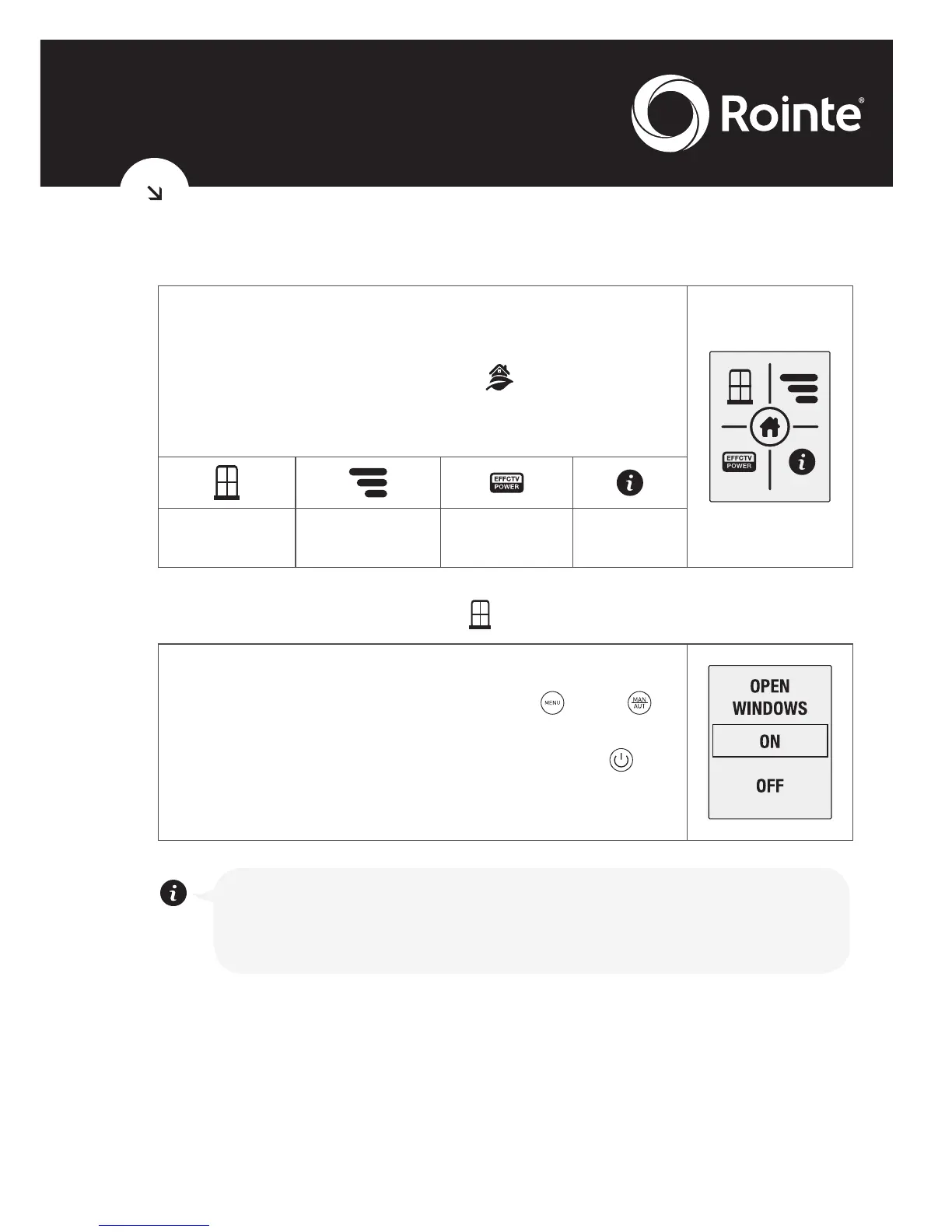
The Energy submenu provides access to
functions related with the energy management.
Access by selecting the icon
from the main
menu to enter the screen shown on the right. The
icons represent the following options:
Open windows
function
Consumption
status
Effective power
function
Information
• Open windows function
Allows you to enable or disable the Open
windows function. With the keys and ,
select ON to activate or OFF to disable. Once
the desired option is selected press to
confirm and exit. To know how this function
works, please go to point 1.7.
This function activates the anti-frost mode to 7ºC when
the radiator temperature sensor reads a drop of at least
4ºC in 30 minutes.





 To Next Page