14
• Consumption status
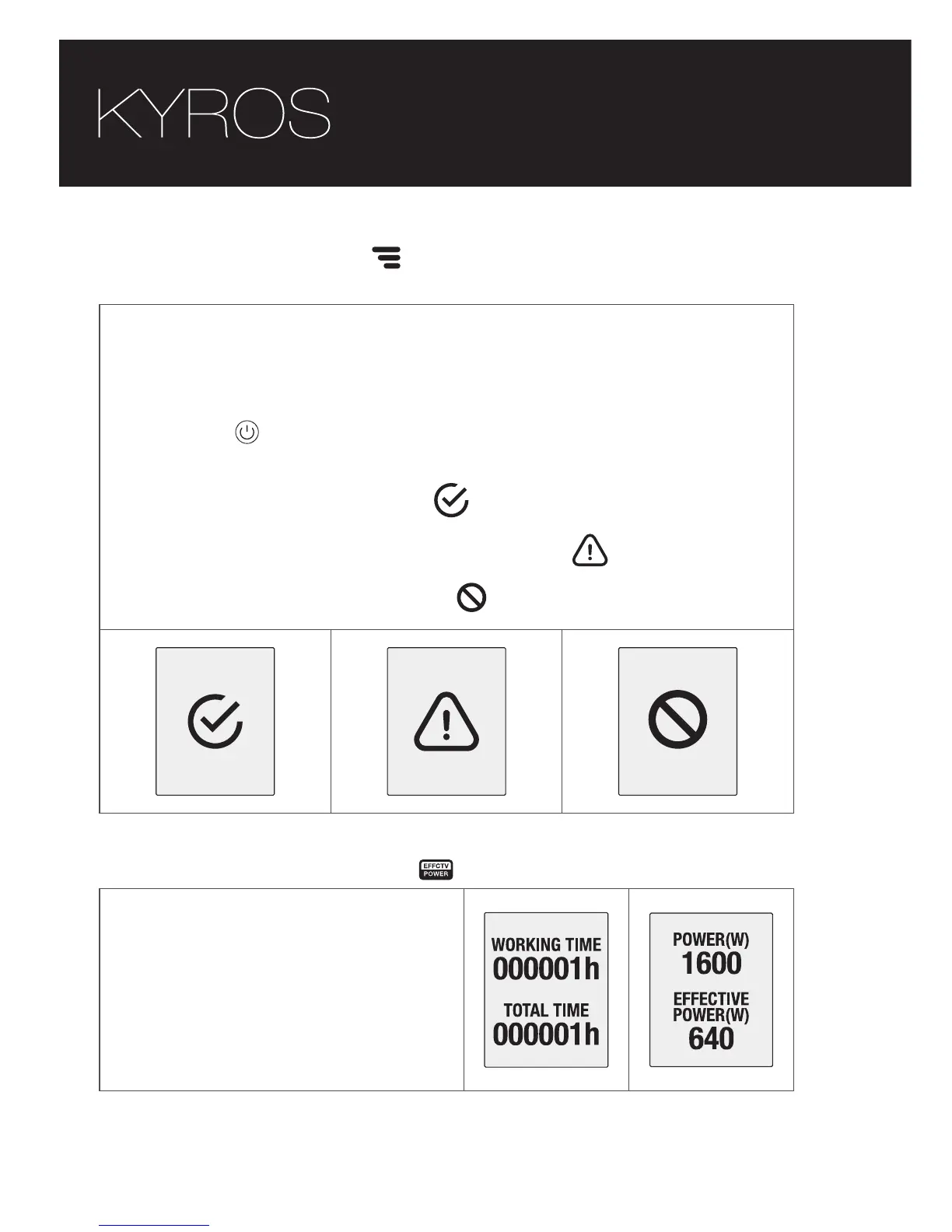
This function displays a status consumption screen to alert the
user if the product works properly or there is an issue that makes
the product having a overconsumption.
When the key is pressed , appears one of the following
screens according to the state of consumption of the product.
Up to 40% of effective power
Between 40% and 60% of effective power
More than 60% effective power
OK
CONSUMPTION CONSUMPTION
CAUTION
CONSUMPTION
WARNING
• Effective power function
This function displays the
working and total time
connected and after 6 seconds,
the nominal and effective power
of the product.





 To Next Page