18
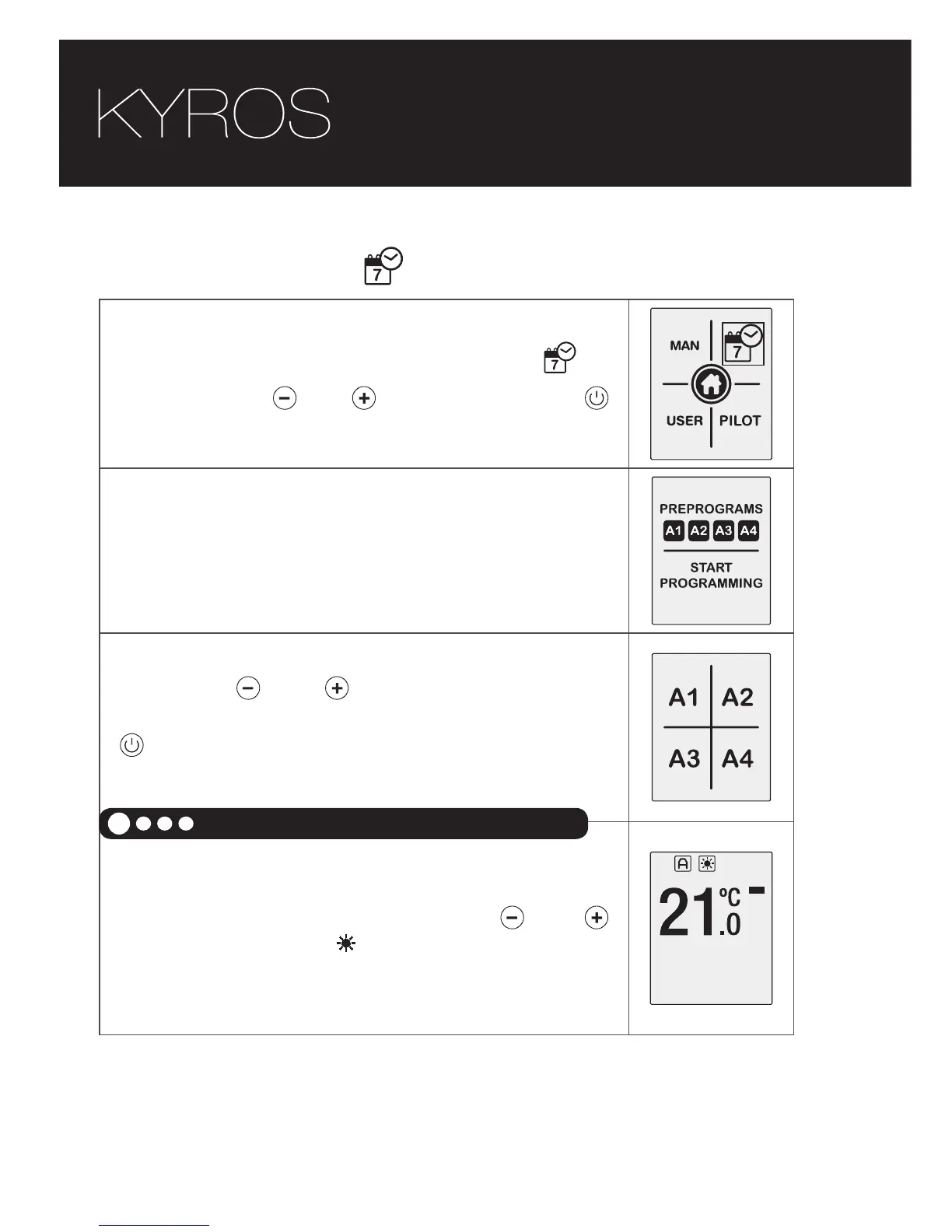
• Start programming
To start programming select the icon
by
using the keys and and then press the
key.
We must be in AUTOMATIC MODE.
A screen for selecting one of the four initial
programming or self programming
With keys and is exchanged between
presets and programming custom home. With
confirmed with key and screen appears with
all 4 presets.
Select the COMFORT mode temperature
between 19ºC and 30ºC using the and
buttons. The symbol and the temperature will
flash.
Select COMFORT temperature
1





 To Next Page