19
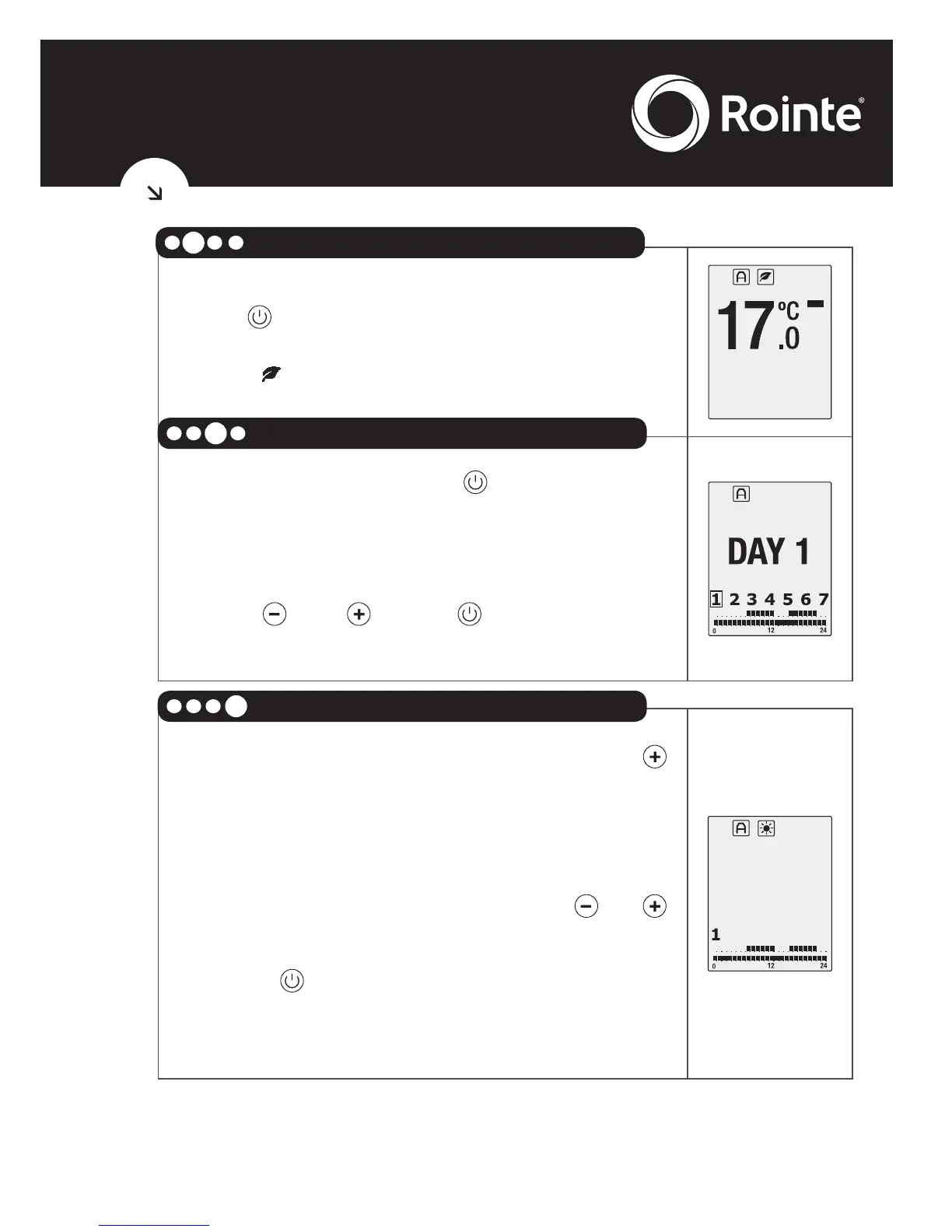
Press and proceed to the selection of the
Eco temperature between 7.5ºC and 18.5ºC. The
symbol and the temperature will flash.
After pressing the button once again, the
days of the week will start flashing and show as
DAY 1, DAY 2, DAY 3,...
We can go forwards and backwards using the
button and . Press to select the day
or days that you wish to program.
To access the hourly programming, press
until 0h appears on the main screen of the
radiator.
This is midnight.
To move through the hours use the or
buttons.
With the button, you can select between
Comfort, Eco and Anti-frost modes for every
hour.





 To Next Page