20
To finish the programming press or leave it for 30 seconds
without pressing any buttons.
To change the programming, go back to point 1, and proceed as
described before.
• User function
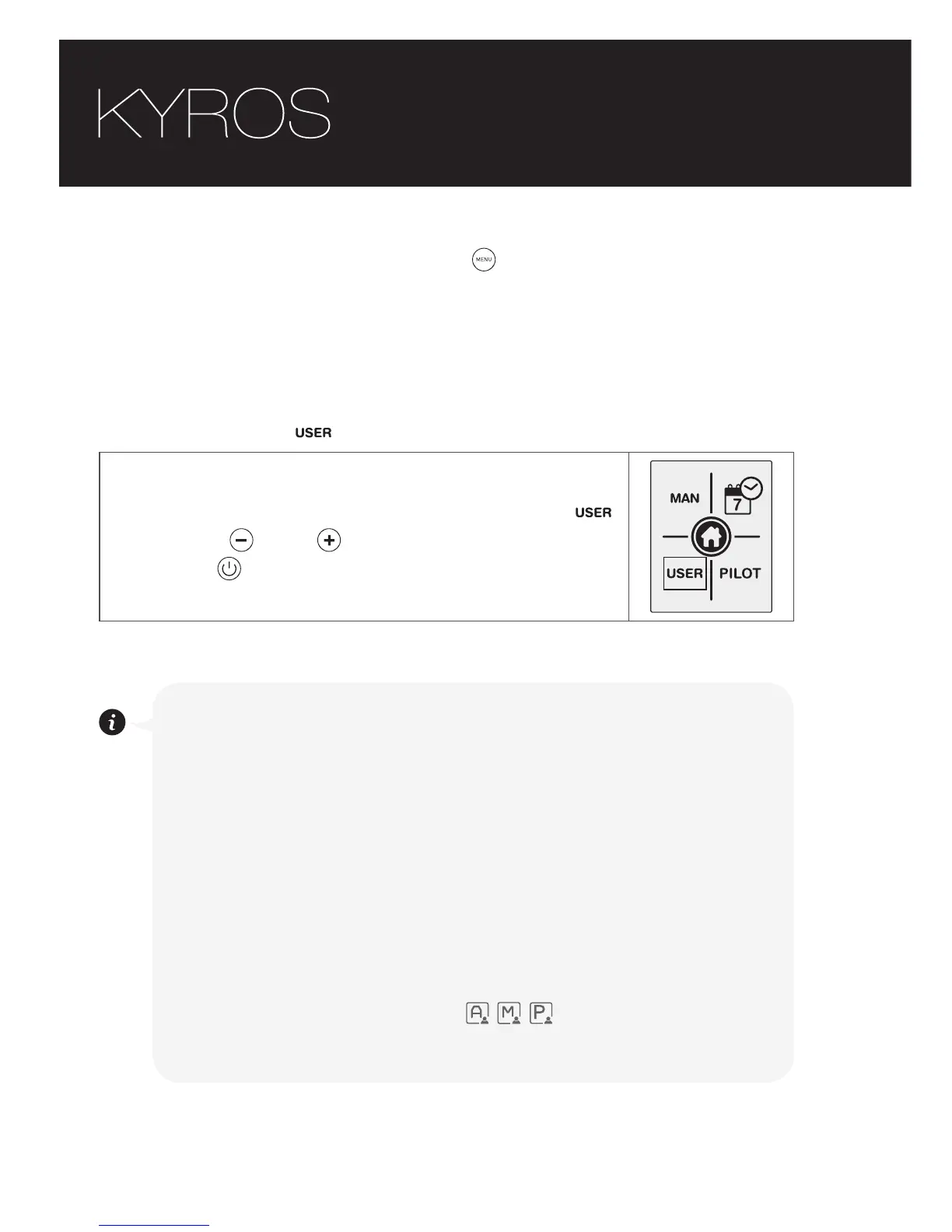
To enter the User function, select the icon
using the and buttons and confirm by
pressing .
USER function
This allows you to establish a working temperature range
(i.e. a maximum temperature and a minimum temperature).
A 4 digit PIN code will allow you access to a menu: here
this feature can be enabled or disabled, your PIN code can
be changed and the parameters of the temperature range
can be set.
When this mode is enabled, one of the following icons will
appear on the main screen
depending on which
mode it is currently in, Automatic, Manual or Pilot.





 To Next Page