How to set up your Roku® streaming player
(any model)
Background
The setup procedure for all Roku players is essentially the same. This document describes the
basic setup instructions for any Roku streaming player. There is a separate article explaining how
to set up a Roku® Streaming Stick®.
Connecting the Roku player to your TV
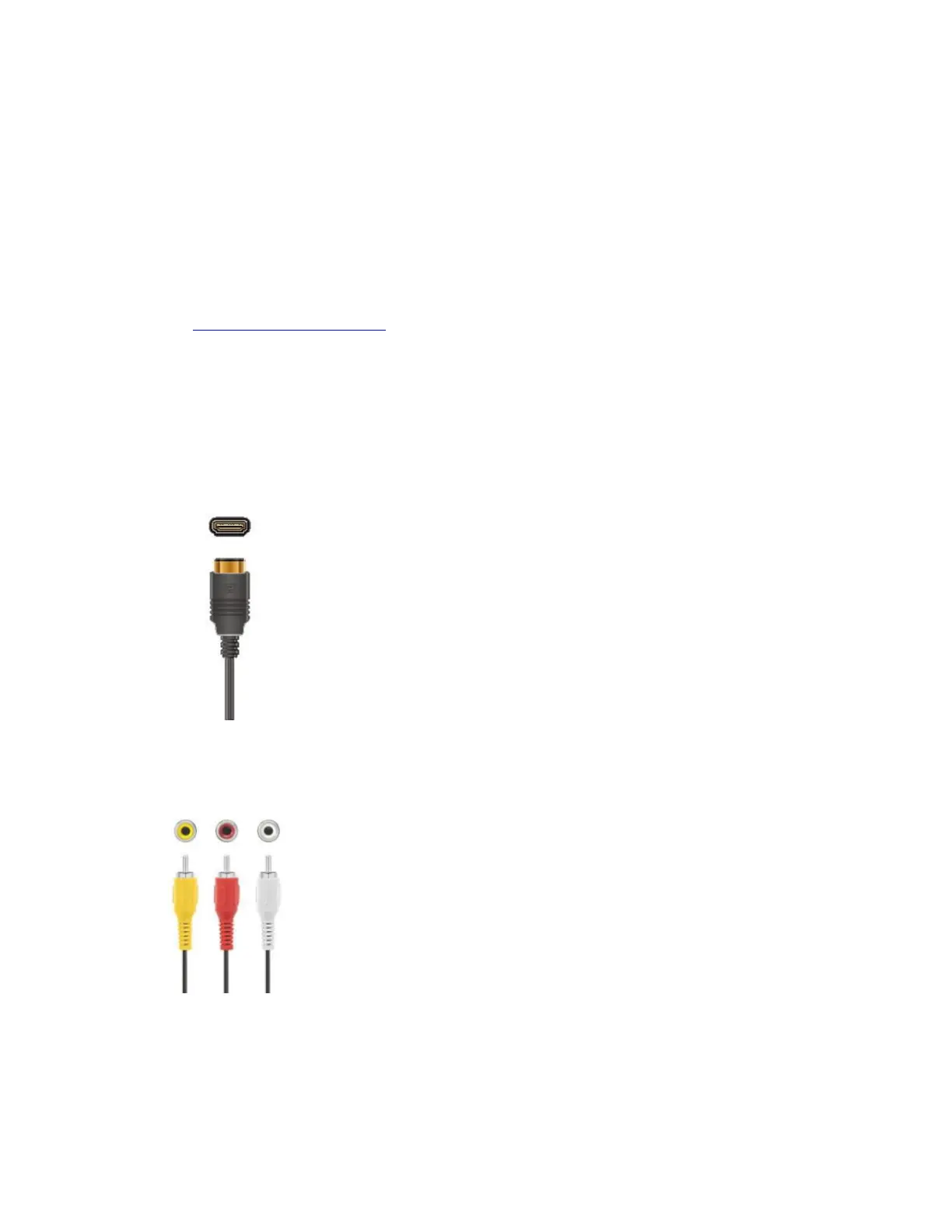
All Roku streaming players will work with any television with an HDMI® connection. When
connecting your Roku streaming player to your TV using an HDMI connection, we recommend
that you use a High Speed HDMI Cable.
For connecting to older televisions, some Roku models include a standard composite video
connection, in addition to the HDMI connection.
Setting up your Roku player
1. Connect your Roku streaming player to your TV using either a High Speed HDMI Cable or
composite cables.



 To Next Page