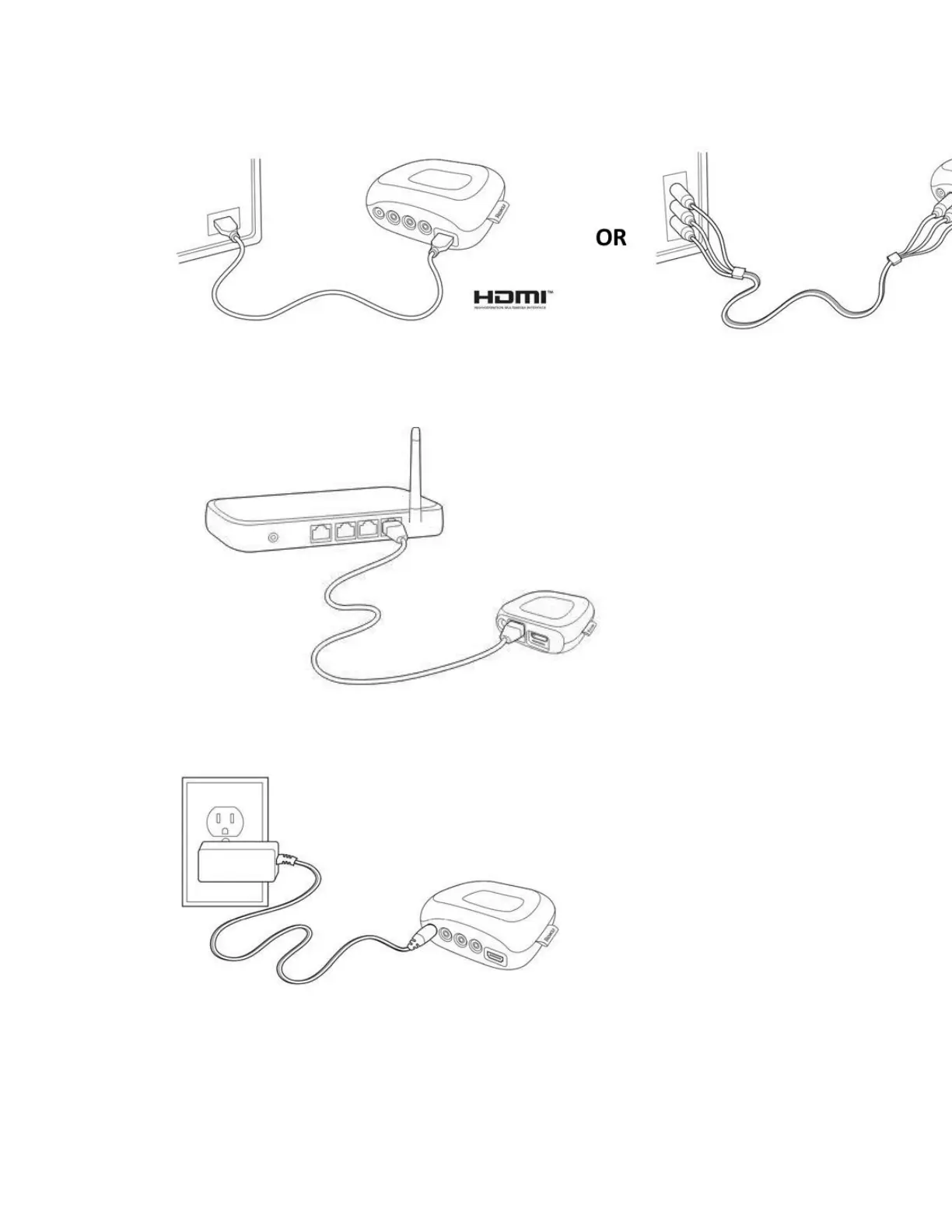
2. If your Roku player has an Ethernet port, you can use an Ethernet cable to connect the Roku
player to an available Ethernet port on your router or Ethernet switch.
3. Connect the power connector to the Roku player and connect the power adapter to a wall
outlet.
Note: Select Roku players can be powered by connecting the included USB cable directly
to a USB port on the TV. The USB port on some TV’s may be unable to power a Roku
player.



 To Next Page