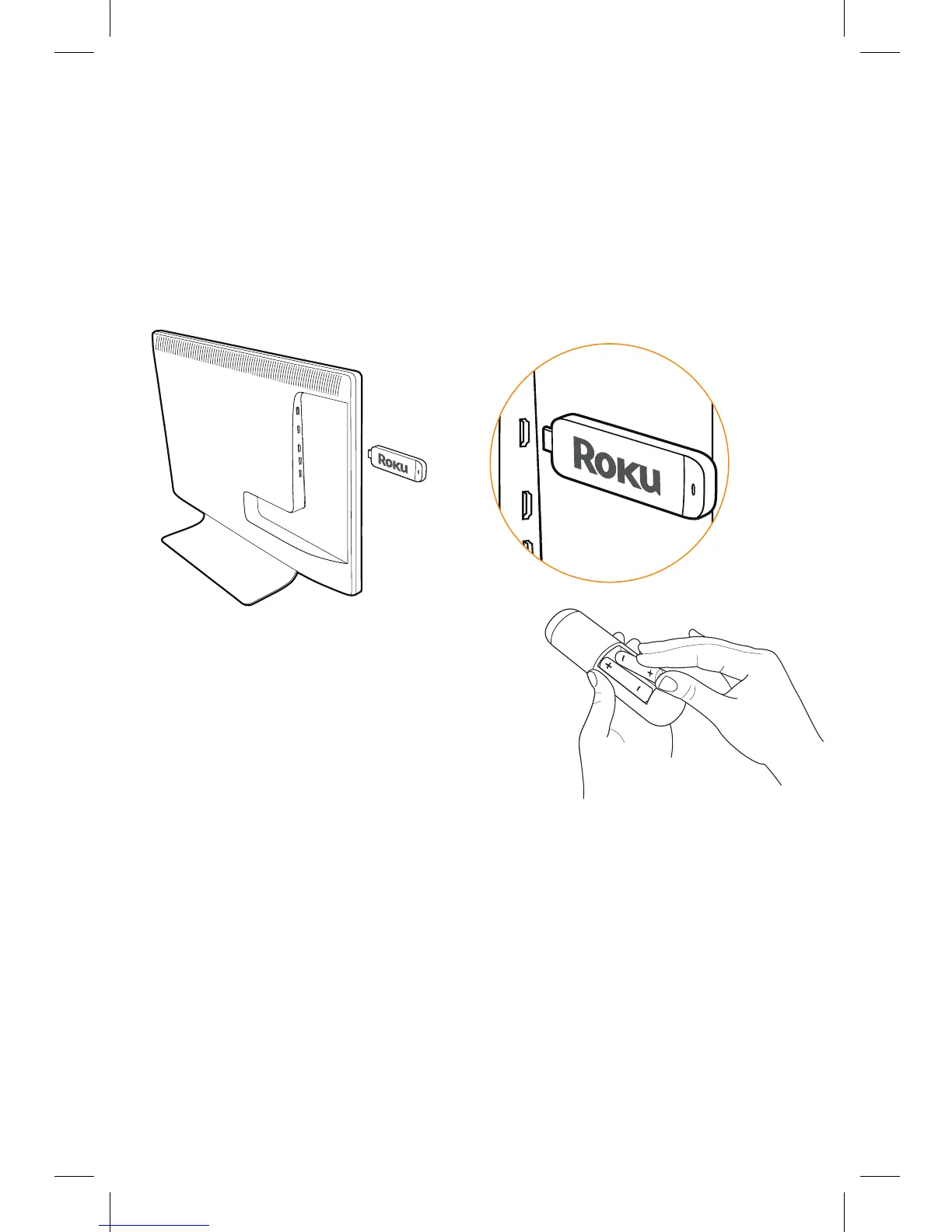
Power up
First, power your Roku remote by
inserting the included batteries:
• Locate and open the rectangular
battery door on the rear of the unit.
• Insert the batteries into their slots, making sure to match
the positive (+) and negative (-) signs.
• Place the battery door back over the compartment
and press it gently down until the latch snaps securely
into place.
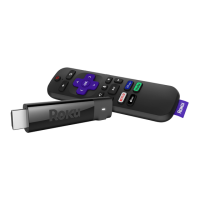
• If the LED on the front of the remote is blinking, it means it
is trying to pair to the Roku Streaming Stick. The remote is
ready for use when the LED stops blinking and turns o.
What to do
Plug it in
Plug your Roku Streaming Stick into the MHL port of your
TV or other Roku Ready device. Simple as that!
















 To Next Page