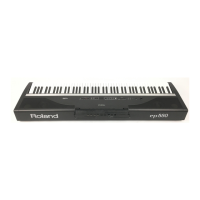
Front panel
E-60/E-50 Music Workstation
r
17
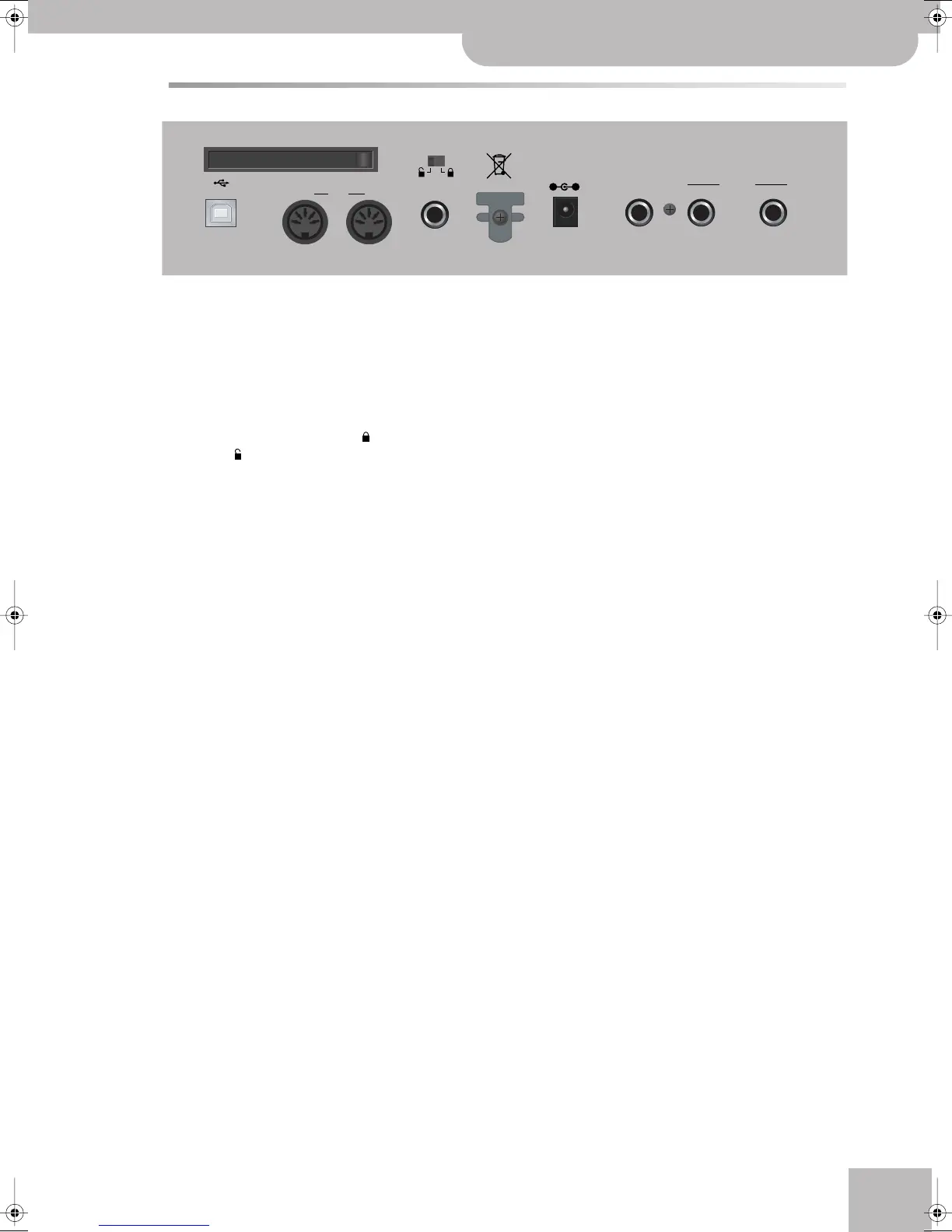
Rear panel
A
PCMCIA slot
This is where you can insert a memory card (PCMCIA,
CompactFlash, SmartMedia™ or Microdrive). Memory
cards that are not PCMCIA cards can only be con-
nected if you use an appropriate adapter (available at
your computer store). See also the precautions on
p. 12.
B
Internal memory protect switch
This switch allows you to lock ( , protect) and
unlock ( ) the internal memory. See page 19.
C
DC IN connector
This where you need to connect the supplied PSB-4U
adapter. If it is damaged or out of order, be sure to
replace it with the same PSB-4U model. Do not use
other adapters as these may damage your E-60/E-50
beyond repair.
D
FOOTSWITCH/EXPRESSION socket
Connecting an optional DP-2, DP-6 or FS-5U to this
socket allows you to control an assignable function
by foot.
Alternatively, you can connect an optional Roland
EV-5 or FV-300L expression pedal to this socket that
can be used for setting the volume of the selected
parts by foot.
E
OUTPUT R, L/MONO sockets
These sockets need to be connected to an external
amplifier, mixing console, etc. They transmit the
music generated by the Arranger, Recorder and Key-
board parts.
F
USB port
The USB port can be used for archiving purposes and
MIDI data transfer from/to a computer.
G
MIDI OUT/IN sockets
These sockets allow you to connect the E-60/E-50 to
external MIDI devices for a variety of applications:
receiving song data in realtime from an external
sequencer, transmitting your playing (and the data of
the song you are playing back) to an external
sequencer, using the E-60/E-50 as master keyboard
in your MIDI setup, etc.
Note: The MIDI functions can be accessed via the E-60/E-50’s
Menu (page 187). Frequently used MIDI settings can be written
and recalled as “MIDI Sets”.
H
HOLD socket
An optional DP-2, DP-6, or BOSS FS-5U footswitch
connected to this socket can be used for holding the
Keyboard-part notes. (The Melody Intell part can also
be sustained in this way.) This function is also
referred to as “Sustain” or “Damper”.
I
Cord hook
After connecting the adapter cable, wind it around
the cord hook to the right of the socket to prevent
accidental power disruptions.
USB
OUT MIDI IN HOLD R L/MONO
OUTPUT
FOOTSWITCH/
EXPRESSION
DC IN 12V 2.5A
USE ROLAND PSB-4U
ADAPTOR ONLY
PCMCIA
A
FGHI
BC
DE
E-60_50_OM_UK.book Page 17 Thursday, June 22, 2006 10:06 AM



 To Next Page