TOP
28
Importing a File from a Cloud Service
into LIBRARIAN (IMPORT FROM CLOUD)
Here’s how a liveset le previously exported to a
cloud service can be imported into LIBRARIAN.
1. Tap the [LIBRARIAN] button.
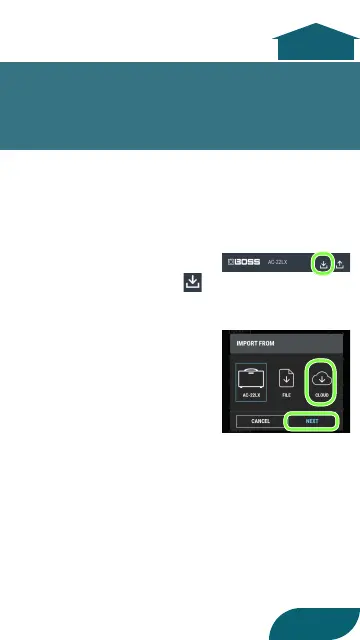
2. In the upper part of
the screen, tap the
button.
3. Tap “CLOUD”, and then
tap the [NEXT] button.
4. Select a liveset le that
was saved in the cloud.



 To Next Page
 Loading...