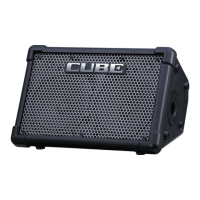
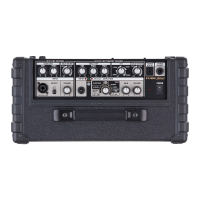
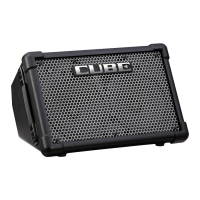
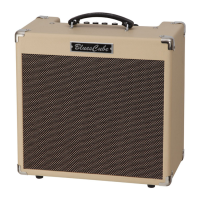
Roland Mobile Cube Training Guide
3. FIVE THINGS TO KNOW and SHOW
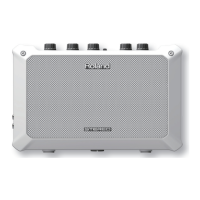
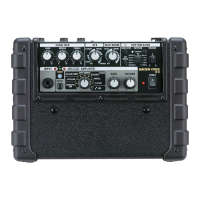
1. Ultra portable anything, anywhere, any time stereo amplifier
2. Accepts almost any kind of input: audio, instruments, mics
3. Preset tone settings for large variety of input sources
4. Built in effects: guitar OD/DS, chorus, delay, reverb
5. “Put you in the band” feature removes vocals or solo for jamming or
practicing to recorded music
4. ACCESSORIES
1. Roland PSB-1U or PBS-120 AC Adapter
2. Roland RH-20, RH-50, RH-200 or other headphones
3. Roland ST-100MB or other mic stand
5. INSTRUMENT SETTINGS
NAME USES
A-GUITAR Acoustic guitar, other mono
acoustic/electric instrument (horn, flute,
autoharp, etc.)
KBD/INSTRUMENT NORMAL Stereo keyboard, drum machine, other
stereo instrument
KEYBOARD/INSTRUMENT FAT boosted mids for stereo instruments
AUDIO any stereo audio source needing
additional volume control/effects:
recorders, i-pods, etc.
E-GUITAR CLEAN Electric guitar clean amp sound
E-GUITAR OVERDRIVE Overdriven amp sound for rhythm
playing or rock leads
E-GUITAR DISTORTION Heavy distortion sound for rock and
metal tones



 To Previous Page
 Loading...