3
Macintosh Audio Applications CD-ROM
Macintosh Audio Applications CD-ROM is a CD-ROM that contains Peak LE software for
making the UA-30 more fun to use.
Basic operation of Peak LE
This document covers the basic operations you need to know to use Peak LE.
■
What is Peak LE?
Peak LE is waveform editing software for the Macintosh. It allows you to record, play back,
and edit.
■
Installing Peak LE
Before you install, you must read the included license agreement.
The license agreement states the conditions under which Roland and other
software companies allow you to use this software.
Before running the installer, make sure to quit all other programs that your
Macintosh may have been running.
1.
To use the Peak LE product, you need to register and authorize it. If you want to register Peak
electronically during the installation process, you need to connect your computer to the
Internet. (p. 10)
2.
Insert the
Macintosh Audio Applications CD-ROM
into the CD-ROM drive of your
computer.
3.
In the
“Peak_LE”
folder, double-click “Install Peak LE.”
fig.2-1_30
4.
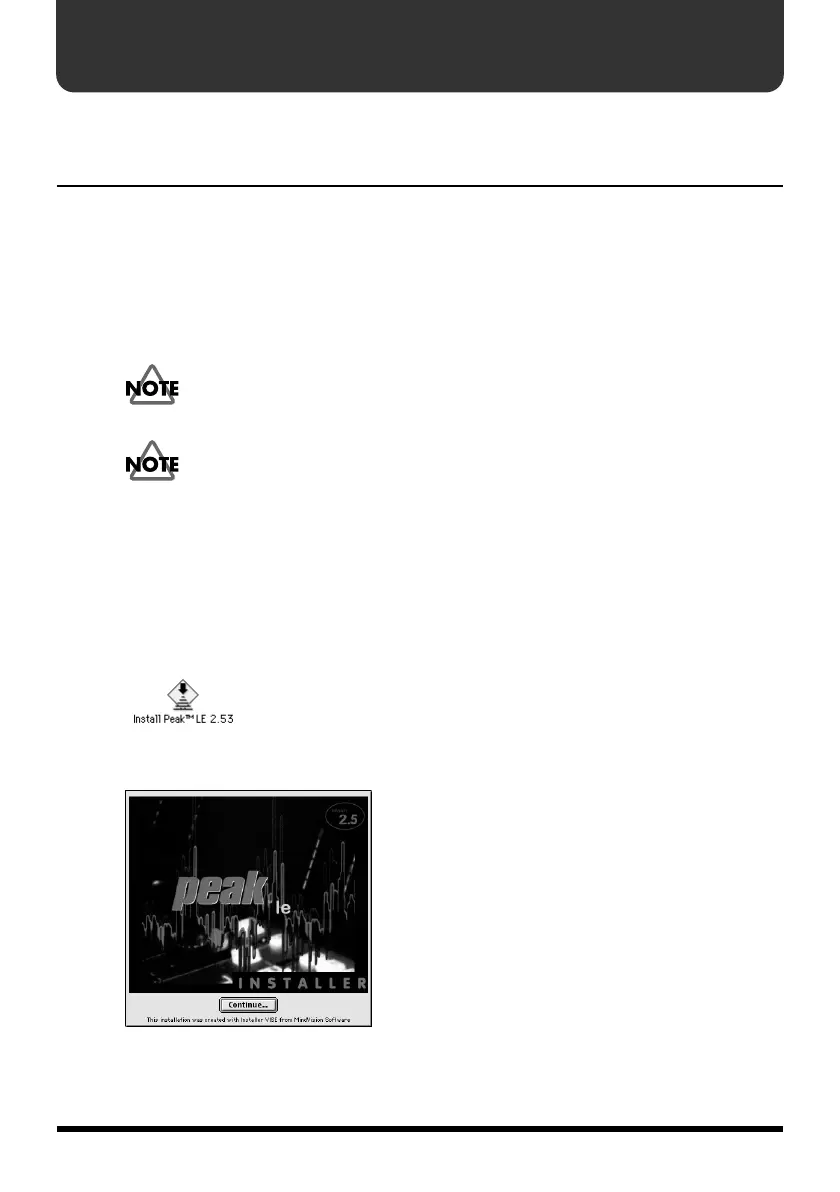
The startup screen of the installer will appear. Click
[Continue]
.
fig.2-2_30



 To Next Page
 Loading...






