59
Settings
Flash
In low light conditions it is best to use the built-in flash. You can also use the flash to compensate for backlight
conditions.
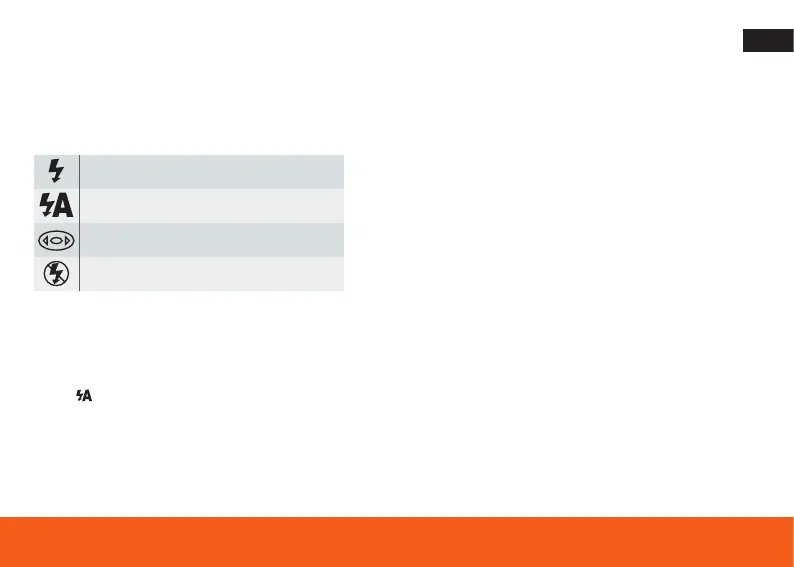
Flash on: Enable flash
Auto: Automatically switch on / off
Red eye reduction
Flash off: Deactivate flash
To set the flash:
The flash can only be used when the camera is in auto mode.
1. Press flash / up button.
2. The icon appears on the LCD screen. This will activate the automatic flash.







 To Next Page