65
Settings
Quality
The quality of your photos also affects the number of shots you can take. A high setting means you can take fewer
photos, but they will be of better quality. The default value is fine.
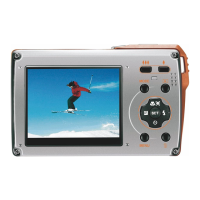
1. Press menu button twice.
2. Press up / down button to select the quality option in the setup menu, then press menu button to enter into
sub-menu.
3. Press up / down button to select a quality option from the menu that appears: super fine, fine or normal.
4. Press menu button to confirm, save and return to menu.
5. Press mode button to exit the menu.











 To Next Page