Rollerdor RD55 and RD77 Roller Garage Door User Guide
8
1
Press and hold the “RADIO PROG” button (fig. 6.3a).
You will hear a beep and the red LED alongside “C1”
will illuminate (fig.6.3.b), then release the “RADIO
PROG” button.
2
Press button or turn the key on your unit. The
receiver box will beep to conrm it has accepted
the unit, then press the other button or turn the key
other direction, the receiver box will beep again to
conrm it has been accepted.
3
Leave for several seconds and the receiver box will
beep twice to conrm end of programming.
WIRELESS PUSH BUTTON
(ONLY AVAILABLE WITH SAFETY EDGE SYSTEM)
INSTALLATION
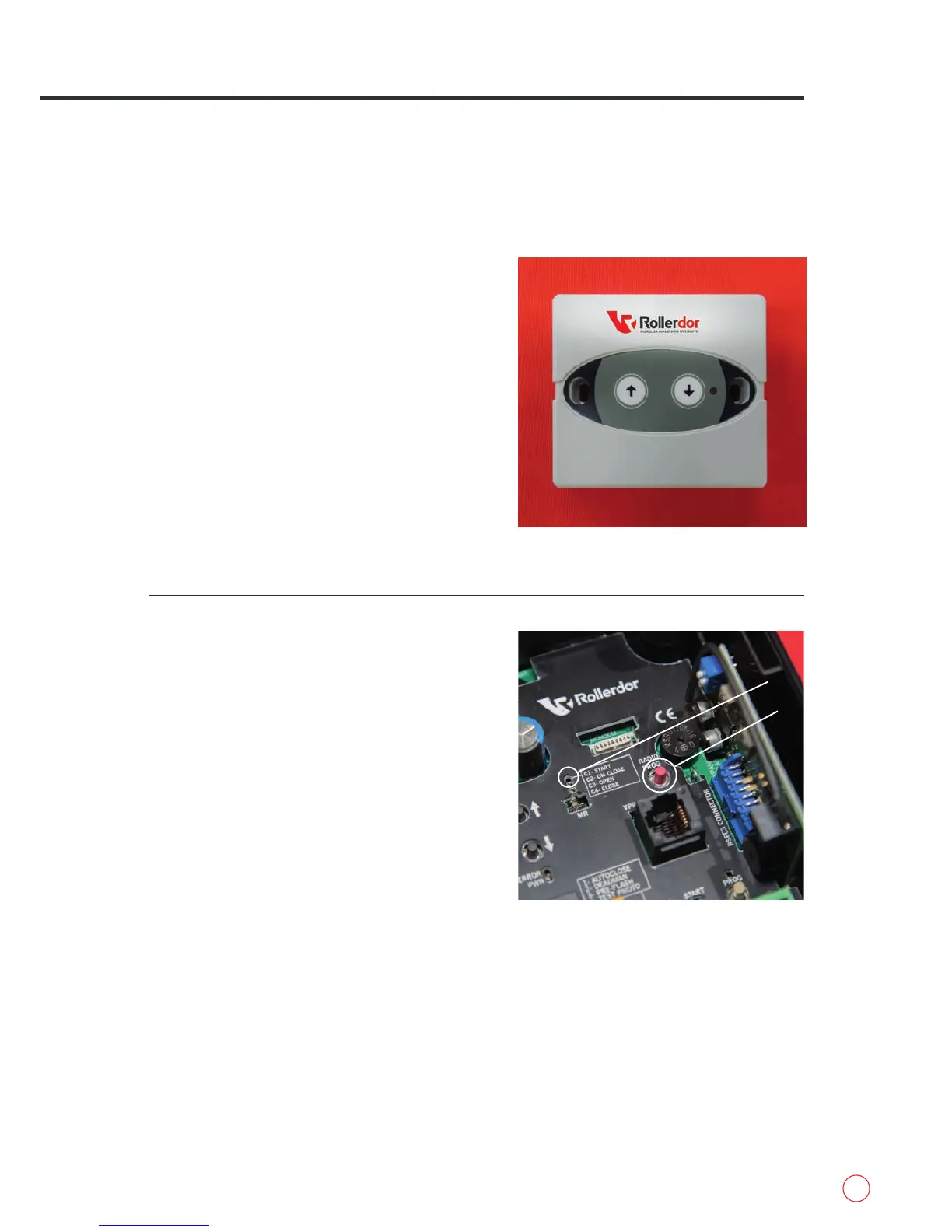
Push Button (fig.6.1):
Fit directly to the wall using the 2 fixings making sure
it is level and square with the writing at the top.
PROGRAMMING TO RECEIVER BOX
fig.6.1
fig.6.3
A
B


 To Next Page