15
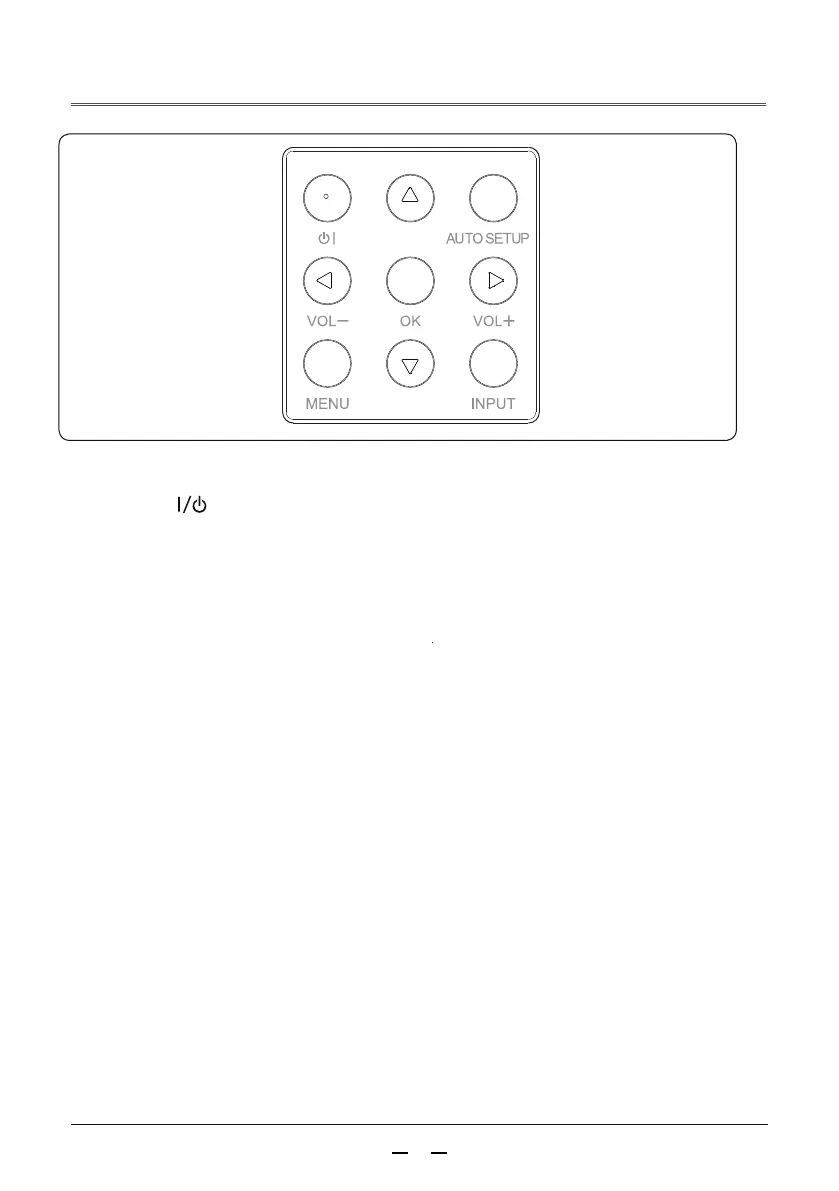
Rear control panel
①
Open or close the on-screen menu.
② ▲▼
▲
▲
- Select an item or adjust the data in the on-screen menu.
- Adjust the volume.
③ AUTO SETUP button
④ MENU button
Perform various auto settings, including “Input Source Search”.
⑤ OK button
- Enter the menu operation.
- Execute the selected item.
⑥ INPUT button
Select the input source.
Turn the projector on or off.
part name and function
/VOL+,VOL-



 To Next Page