39
The projector has an image screen size reset
function that allows the user to display the desired
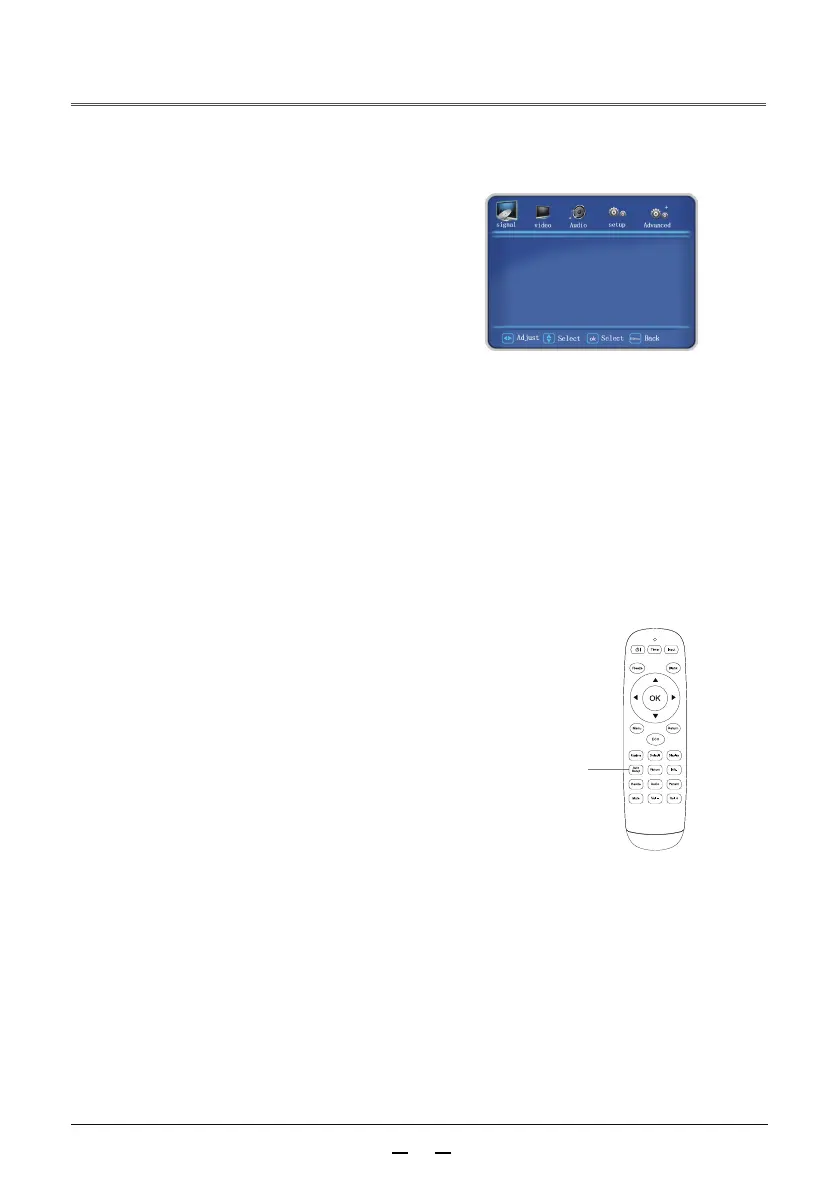
image size. Press the aspect ratio button on the
remote control to display the image display mode
menu.
Press buttons again to select the image
display mode.
Screen size adjustment
►
►
Image display mode
Remote control
Aspect ratio
button
Image display mode
Stretch the width or height of image to the maximum with an aspect ratio of 4:3.
4:3
16:9
Stretch the width or height of image to the maximum with an aspect ratio of 16:9.
Normal
Stretch the width or height of image to the maximum with the original image proportion.
Full Screen
Stretch the image evenly to full screen.
Widescreen I
Zoom in the 4:3 image to 16:9, and the upper and lower excess are not displayed.
(Applicable to letter box signals with black edges above and below).
Widescreen II
Auto
Input the 16:9 image, display according to “Normal”;
otherwise press “Full Screen” to display.
Panorama
Zoom in the image to full screen (maintain the proportion of the
image in the center section and stretch on both sides).
Original
Original image size.
Zoom in the 4:3 image to 16:9 and the upper excess is not displayed.
(Applicable to letter box signals with black edges above and below and with captions
on the lower black edge).
H Position 127
V Position 33
Phase 19
Manual clock 28
Auto setting
picture size normal



 To Next Page