48
On Startup password lock
You can change the password to the four digit number you want. Press the OK
button, select the password change prompt box, then press the ▲▼ buttons to
enter the correct password and press the OK button to confirm. After entering the
“New Password”, enter the password again to confirm. After the passwords
match, the new password is set successfully. A new password is required for
powering off and starting up as well as entering a security password setting.
Enter the password to enter the security password settings.
The factory default password is “0000”.
Security password
Off.........Not locked.
On....... Each time the projector is turned on, you will need to enter your password.
Change Password
Password memo
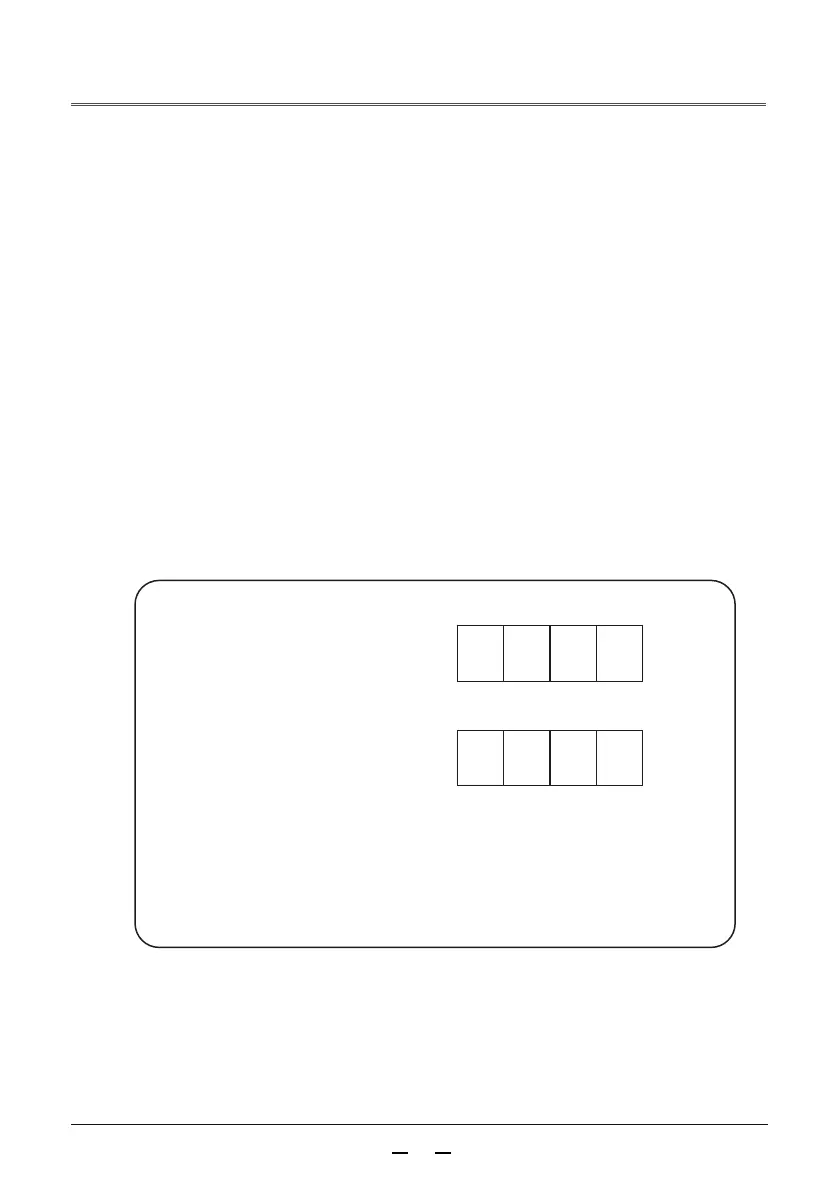
Write the password in the table below and safe keep it with this manual. If you
have forgotten or lost the password and cannot operate the projector, contact
a service center.
Factory setting number 0000
Password setting
* If this four digit number is changed, the
factory setting number will be invalid.
Factory setting number 0000
Reset to default settings
In addition to the user startup screen, password lock, and startup screen password
lock, this function can reset all settings to the factory settings.



 To Next Page