33
Remote control
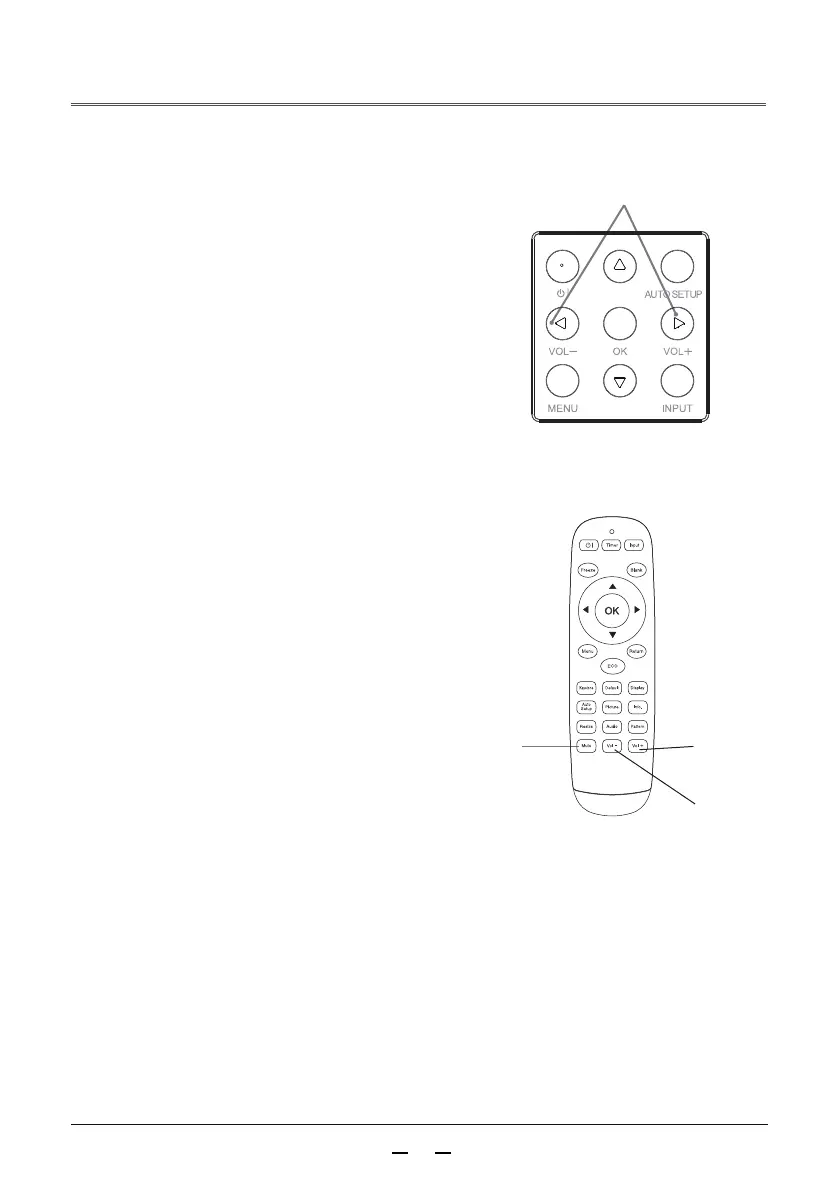
Mute
+/-button
Press +/- on the rear control panel or the VOL +/VOL -
button on the remote control to adjust the volume.
Operate directly, and it is recommended to use the remote
control to complete the operation. Press the voice mode
button on the remote control to switch between standard,
presentation, user, music, etc.
Volume adjustment
Volume
Mute
Press the mute button on the remote control to select
“On” to temporarily turn off the sound. Press the Mute
button again to select “Off” or press the VOL +/-
button to re-enable the audio effect.
The mute function is also effective for the audio output
interface.
Menu operation
When the sound is turned off after pressing the
mute function (on/off), “ON” is displayed.
Press the volume +/– button again to turn the sound on.
Volume
Mute
Press button to increase the volume and
press the button to decrease the volume.
▲
▲
Sound mode
Press buttons to switch the sound mode.
▲
▲
▲
▲
Press the Menu button on the remote control to
display the menu. Press buttons to move the
cursor to the sound menu icon.
1
Press ▼ button to move the cursor to the following su
b-menu item to be selected, then select the sub-menu
option.
2
Volume
+ button
Volume
- button
Rear control panel



 To Next Page