AIR COMPRESSOR
12
leading to possible serious personal injury.
WARRNING!
Do not connect to power supply until assembly is complete.
Failure to comply could result in accidental starting and possible
serious personal injury.
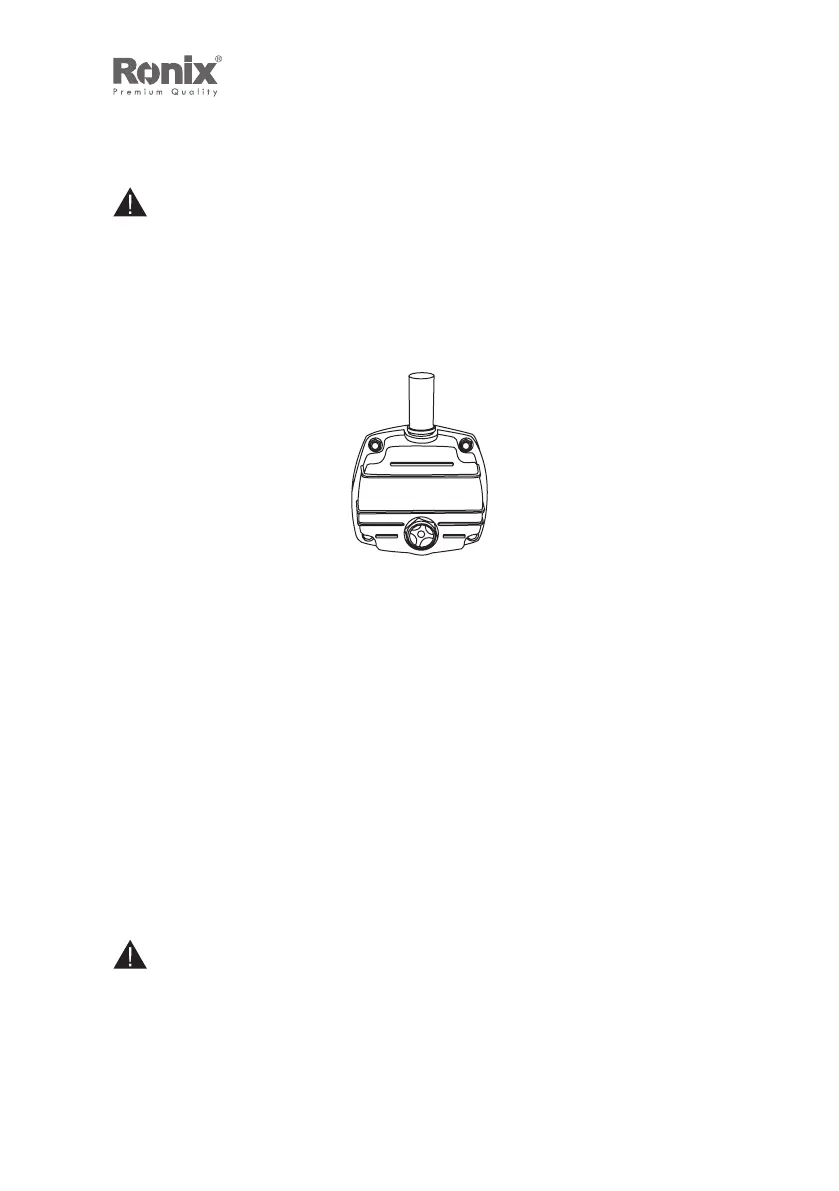
.CHECKING THE OIL
Always check the oi; when the unit is sitting on a level surface
and before rst use.
1) The sight glass is located above the tank. There is a red dot
in the center of the glass.
2) An oil level at the top of the red dot indicates oil is at maximum
level.
3) An oil level at or below the bottom of the red dot indicates oil
is below desired level, and oil should be added
TO ADD OIL:
1) Unscrew the cap of oil ll hole.
2) Using a funnel, carefully pour oil into the oil ll hole.
3) Tighten the cap securely into the oil ll hole.
NOTE:
Avoid too much oil. Ensure that the level of the oil does not exceed
the top of red dot at sight glass.
10


 To Next Page