Wireless Router RNX-EasyN4 User Manual
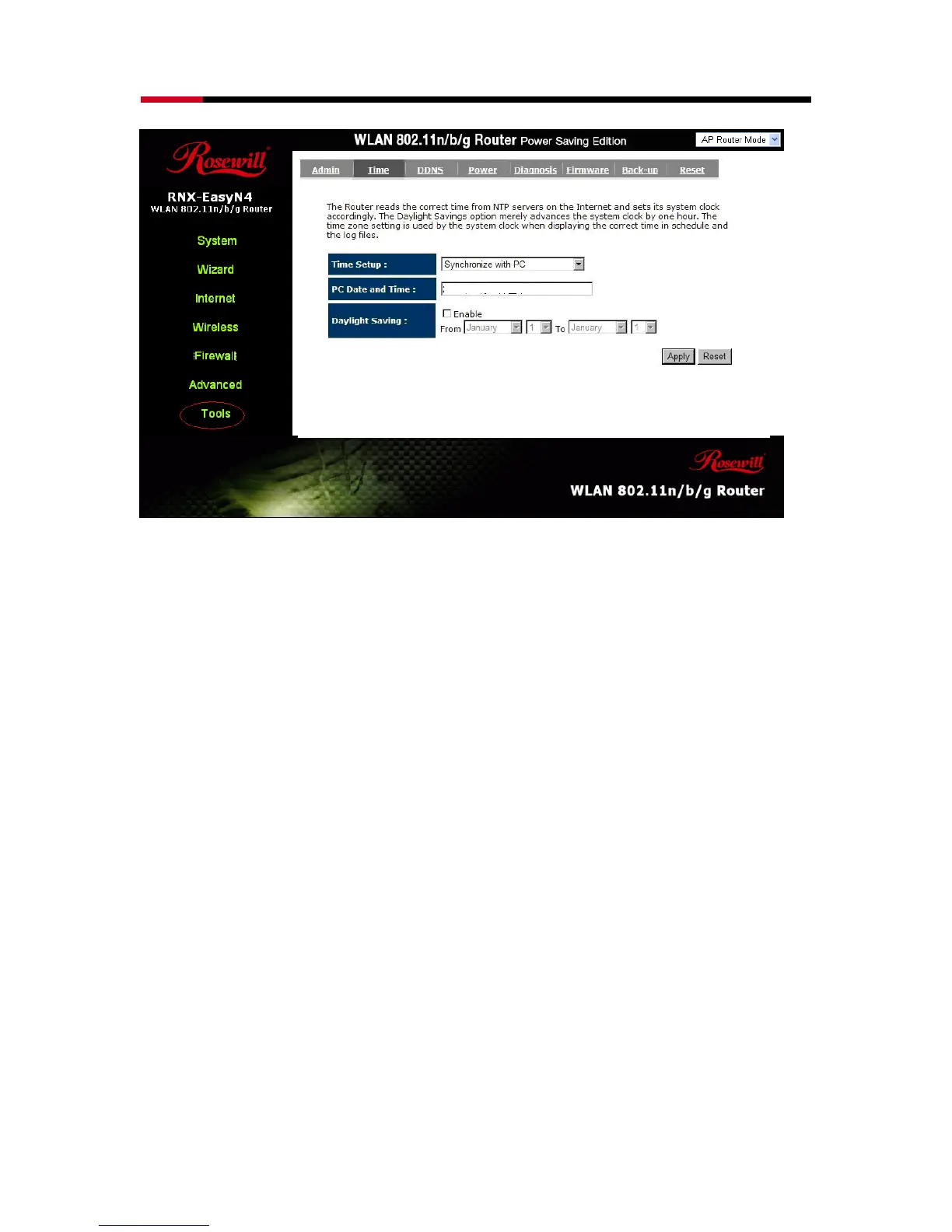
PC Date and Time: This field would display the PC date and time.
Daylight Savings: The router can also take Daylight Savings into account. If you
wish to use this function, you must select the Daylight Savings
Time period and check/tick the enable box to enable your
daylight saving configuration.
Click <Apply> at the bottom of the screen to save the above configurations.
- DDNS
DDNS allows you to map the static domain name to a dynamic IP address. You
must get an account, password and your static domain name from the DDNS service



 To Next Page