Wireless Router RNX-EasyN4 User Manual
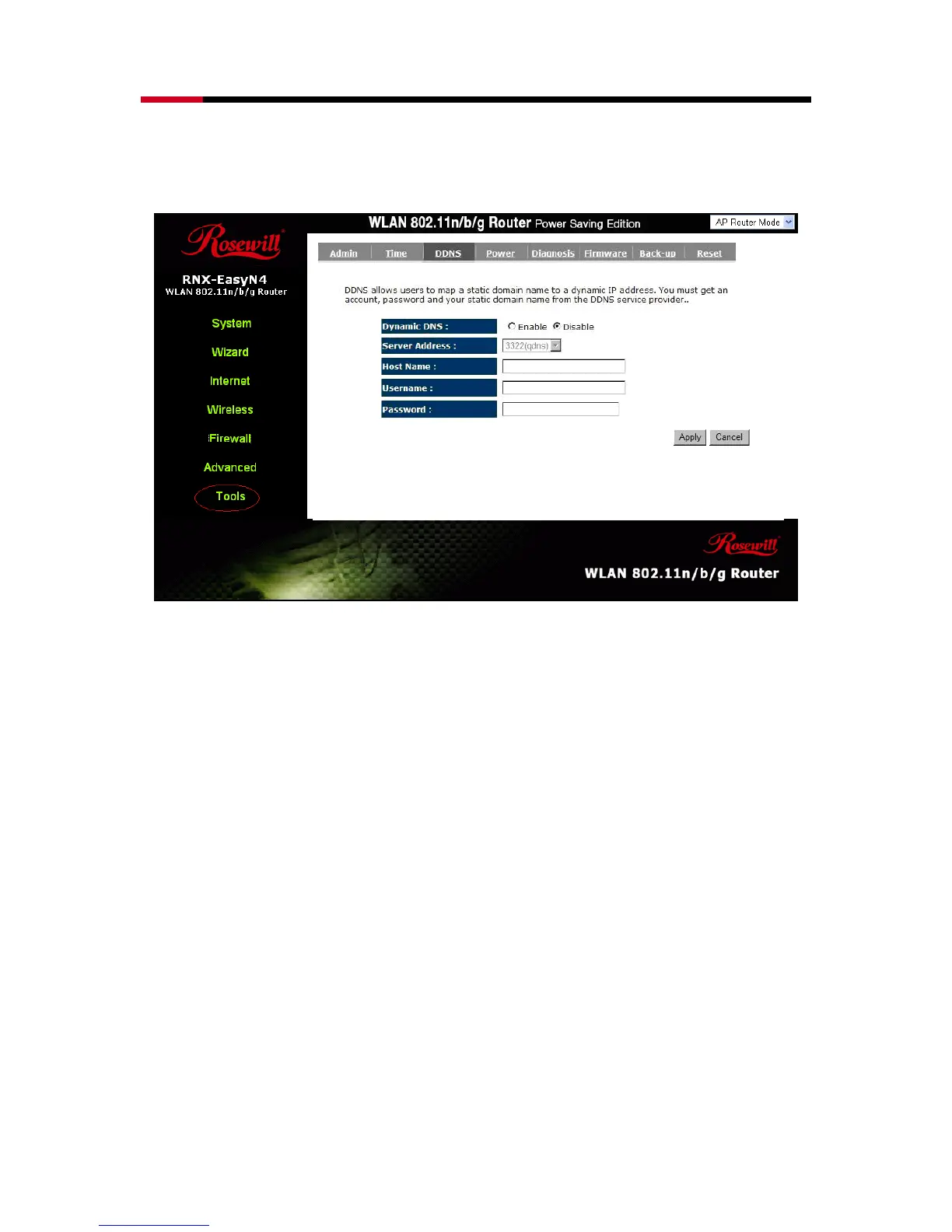
providers. This router supports DynDNS, TZO and other common DDNS service
providers.
Enable/Disable DDNS: Enable or disable the DDNS function of this router
Server Address: Select a DDNS service provider
Host Name: Fill in your static domain name that uses DDNS.
Username: The account that your DDNS service provider assigned to you.
Password: The password you set for the DDNS service account above
Click <Apply> at the bottom of the screen to save the above configurations.
- Power



 To Next Page