12
8. Enable Flex Max Functionality:
Flex Max allows users to control the grouped lift system
from either the Flex remote or the column mounted
motion control buttons.
Flex Max requires software revision 7 or later and the
FA8110 Flex Max Authentication board connected to the
UI board on every column in the system. The upgrade
is included on Max series models and is available as an
accessory kits on Flex series models.
The accessory kits are FA8136 (w/o membrane), and
FA8137 (with membrane). If Flex Max authentication
board is not found by columns controls on all columns
in the system, the system will revert to functioning as
standard Flex.
9. Height Offset Limit:
The height offset limit is a limit to the height difference
between forks within the lift system. Software revision
8 or later is required. The height offset limit will stop lift
movement once reached and column will display "HO".
If a pair of columns have different offsets selected, the
smallest offset will be the limit. This limit is disabled by
default. Refer to software menus for setting the height
offset limit.
Power Up
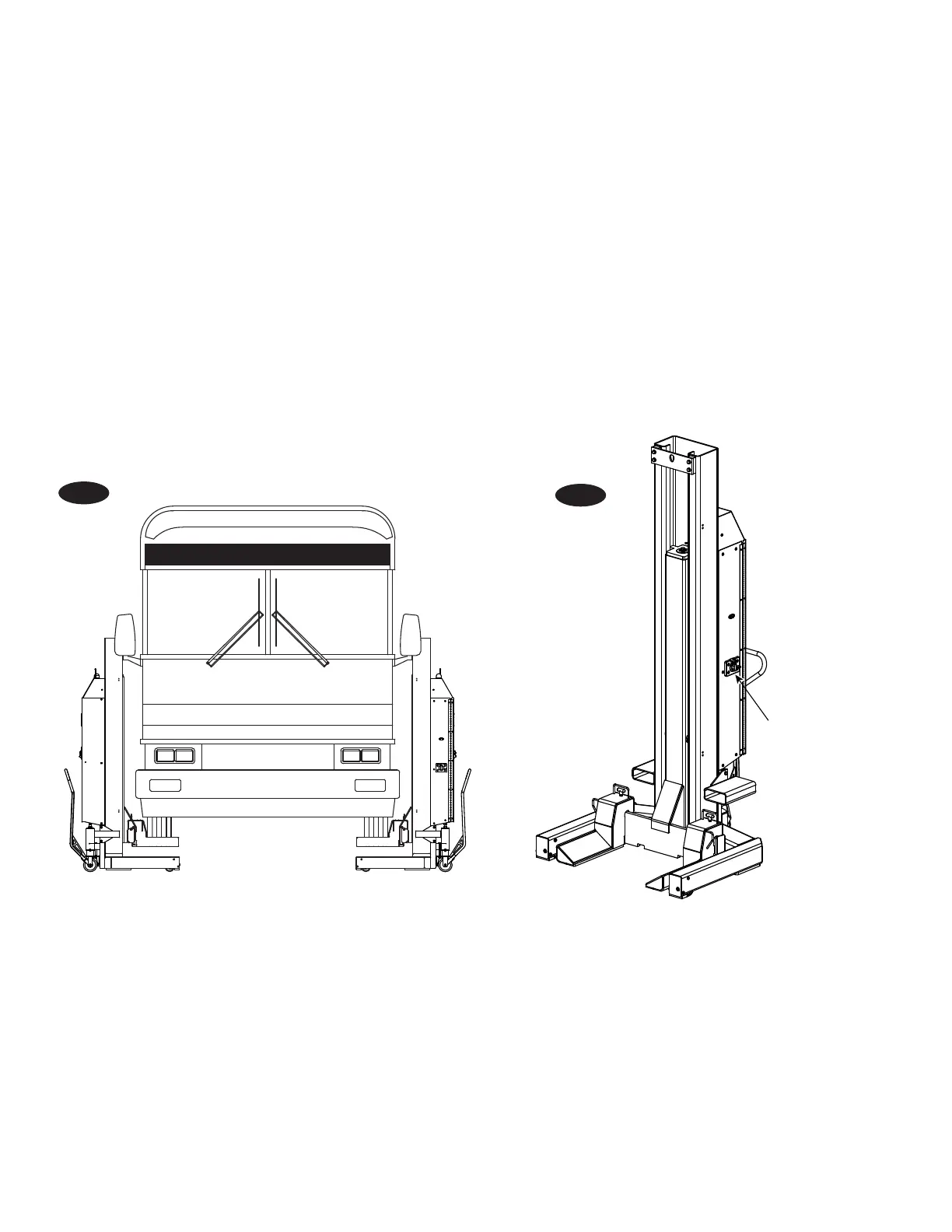
Switch
ROTARY LIFT EXPRESS
Fig. 6
Fig. 7


 To Next Page
 Loading...