38
User manual
Room air conditioner - ELIS X
EN
PART 2. OPERATION INSTRUCTIONS
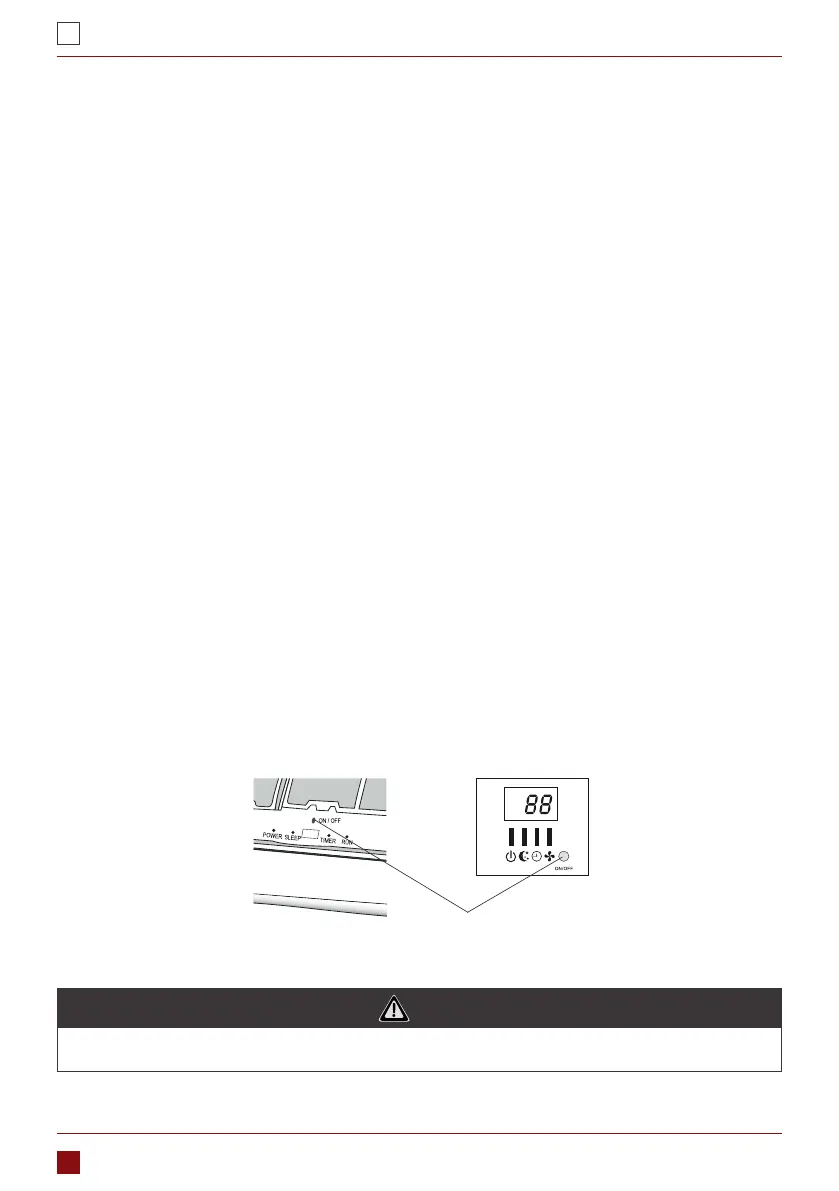
Indoor units are equipped with a button to control the device during crash remote . You can get to it by
opening the front panel. Use the button only when there is a failure or the need for a wireless remote con-
trol service.
1. MANUAL DEVICE OPERATION
The appliance is preset restart function by manufacturer. In case of a sudden power failure, the module
memorizes the setting conditions before the power failure when the power restores, the unit automatically
with all the settings preserved by the memory function.
• To deactivate the AUTO-RESTART function ceed follows:
1. Switch the air conditioner o and plug it o.
2. Press the emergency button meanwhile plug it in
3. Keep the button for more than 10 seconds until you hear four short beeps from the unit. The AUTO-
RESTART function is deactivate.
• To activate the AUTO- RESTART function follow the same procedure until hear three short beeps from
the unit.
2. AUTORESTART FUNCTION
If the remote controller fails to work or maintenance necessary, proceed as follows:
Open and lift the front panel up to an angleto reach the emergency button.
1. One press of the emergency beep) will lead to the forced COOLING operation.
2. Two press of the emergency button within 3 sec (two beeps)will lead to the forced HEATING operation.
3. To switch o the unit you just need to press the button again single long beep).
4. After 30 minutes in forced operation, the air conditioner will automatically start working in cooling mode,
auto fan speed.
3. EMERGENCY FUNCTION
NOTE
The emergency button in some models could be on the right part of unit under the front panel.
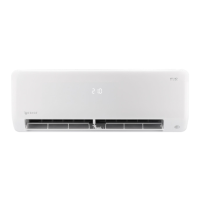
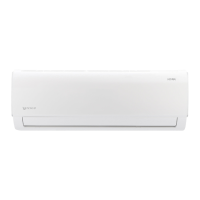
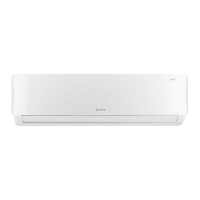
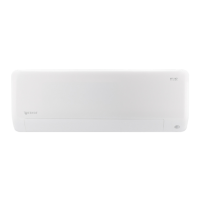
Fig. 5Emergency button



 To Next Page