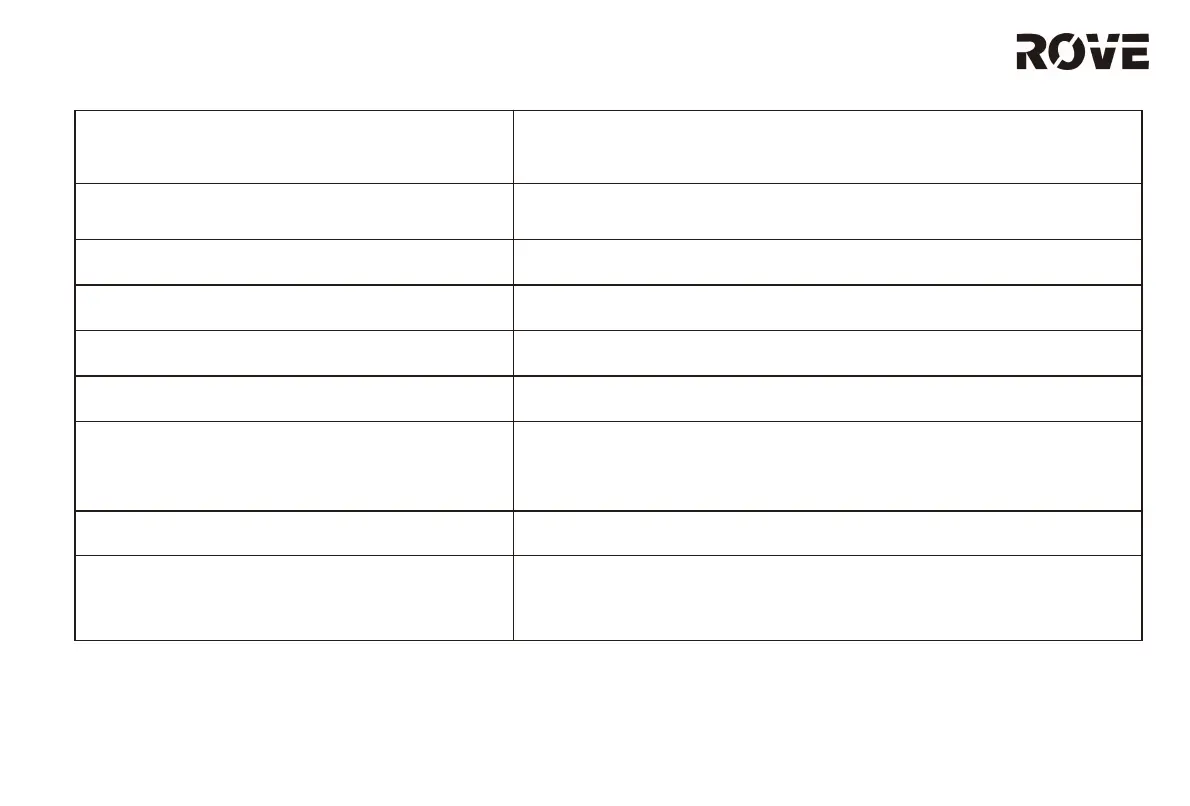
ERROR CODE SOLUTION
9: Error, shutting down.
Please power off and restart the machine. In cases of repeated
failure, please schedule maintenance for the device.
10: Something went wrong, please
Please check the robot’s status and restart it.
11: Please restart in new position. Please move the robot to a flat surface and restart cleaning.
12: Robot blocked. Restart in new
Move the device to a non blocked area, then restart cleaning.
13: Robot inclined, restart in level surface Move the device to a level surface, then restart.
14: Charge station not found.
If the device says that the charging base is not found. Please
check the charging base indicator light is on or move the
device back to the charging base.
15: Battery low. Place the product on the charging base.
16: Remove from charge station
p ow er off.
product cannot shut down when device is on the charging base.
the product away from the charging base, and then press
hold the power button for device shut down.
17
TROUBLESHOOTING GUIDE


 To Next Page