27
_________________________________________
__________
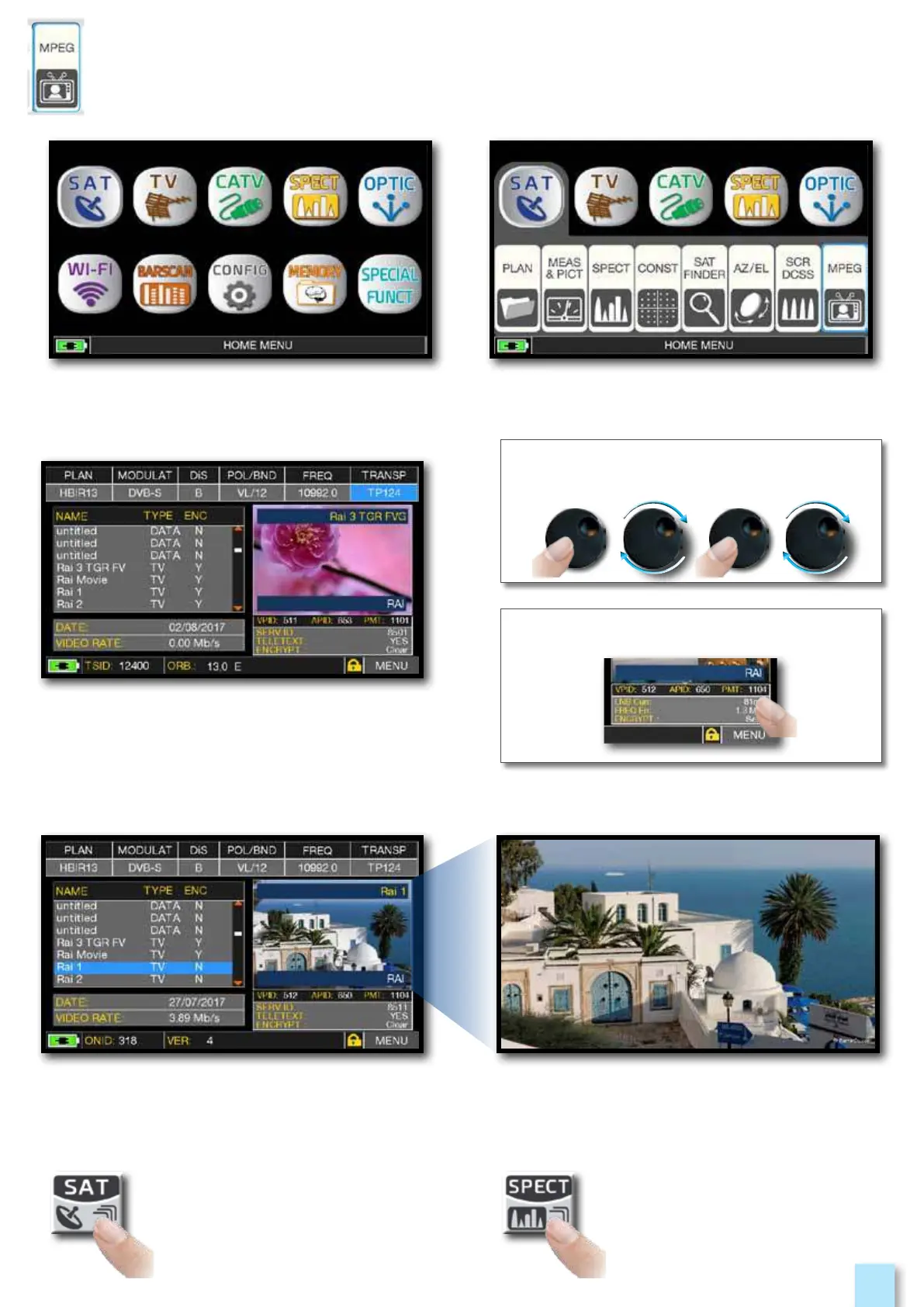
Images and MPEG service list.
Touch the image to enlarge.
Touch again to come back at the service list.
RADIO & TV service selection.
Press “HOME” key. Touch “SAT” and then“MPEG”
or use the encoder.
Touch directly the RADIO/TV desired
service or use the encoder.
or touch “Vpid-Apid” in Measure screen.
Press repeatedly to navigate into
SAT measures screens: Measures,
Constellation.
Press to enter
in the spectrum.



 To Next Page