II
18
R-Net Joystick Controller Descriptions
A B
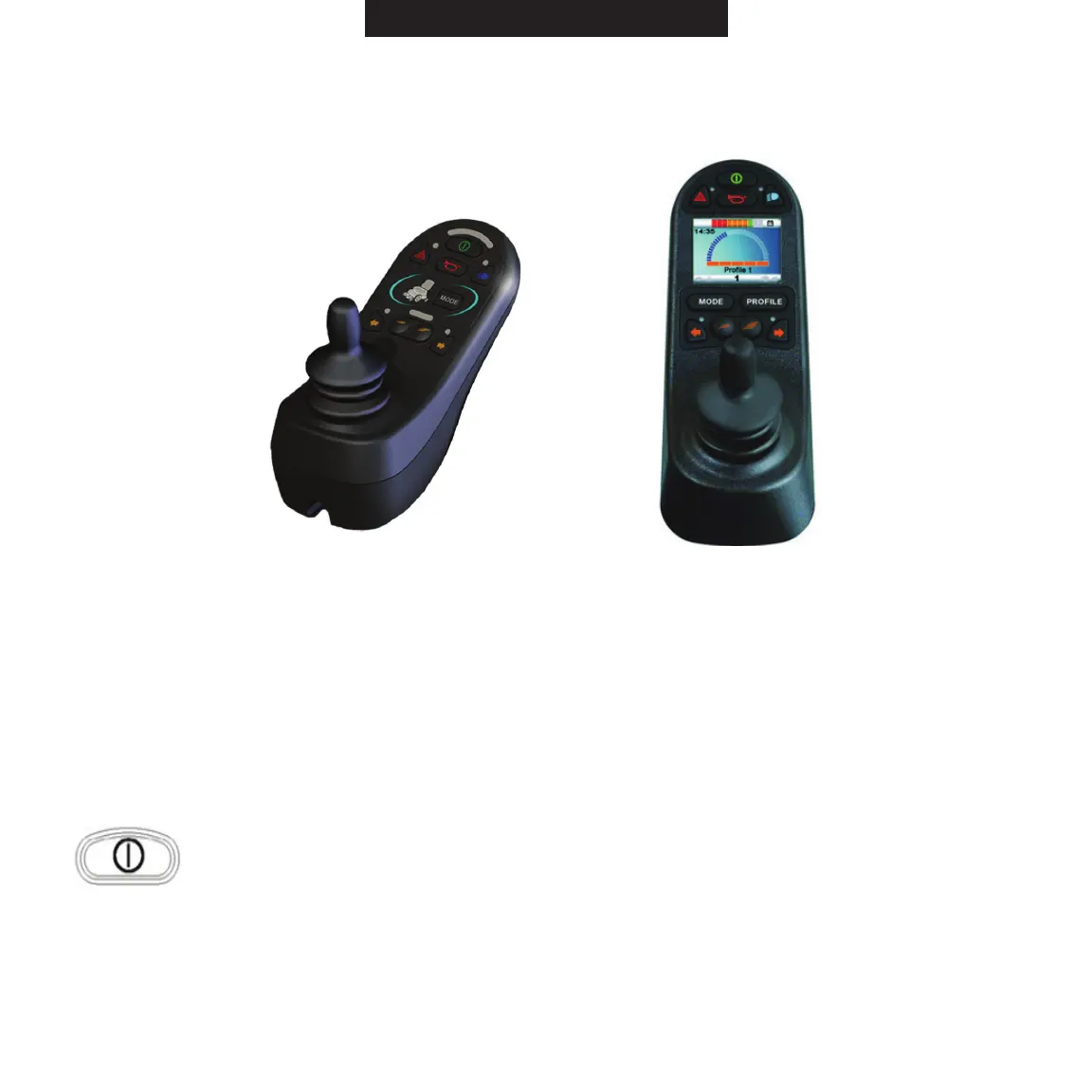
R-Net Joystick Options - Figure 14
The R-Net Joystick Controller is available as an optional control system for the ROVI
®
X3 power
wheelchair. The R-Net consists of a 9-key control panel (A) and charging port. As an upgrade, the
R-Net can also be equipped with a color LCD screen and a 10-key control panel (B).
R-Net Control Panel
On/OffButton:UsethisbuttontoturntheR-Netonandoff.Donotusethisbutton
to stop the power wheelchair, except in an emergency.
Joystick: The joystick controls the speed and direction of the power wheelchair. Push the joystick in
the direction you want to go. The farther you push the joystick from the neutral position, the faster
the power wheelchair will travel. Releasing the joystick will automatically engage the brakes and
stop the power wheelchair.



 To Next Page