II
19
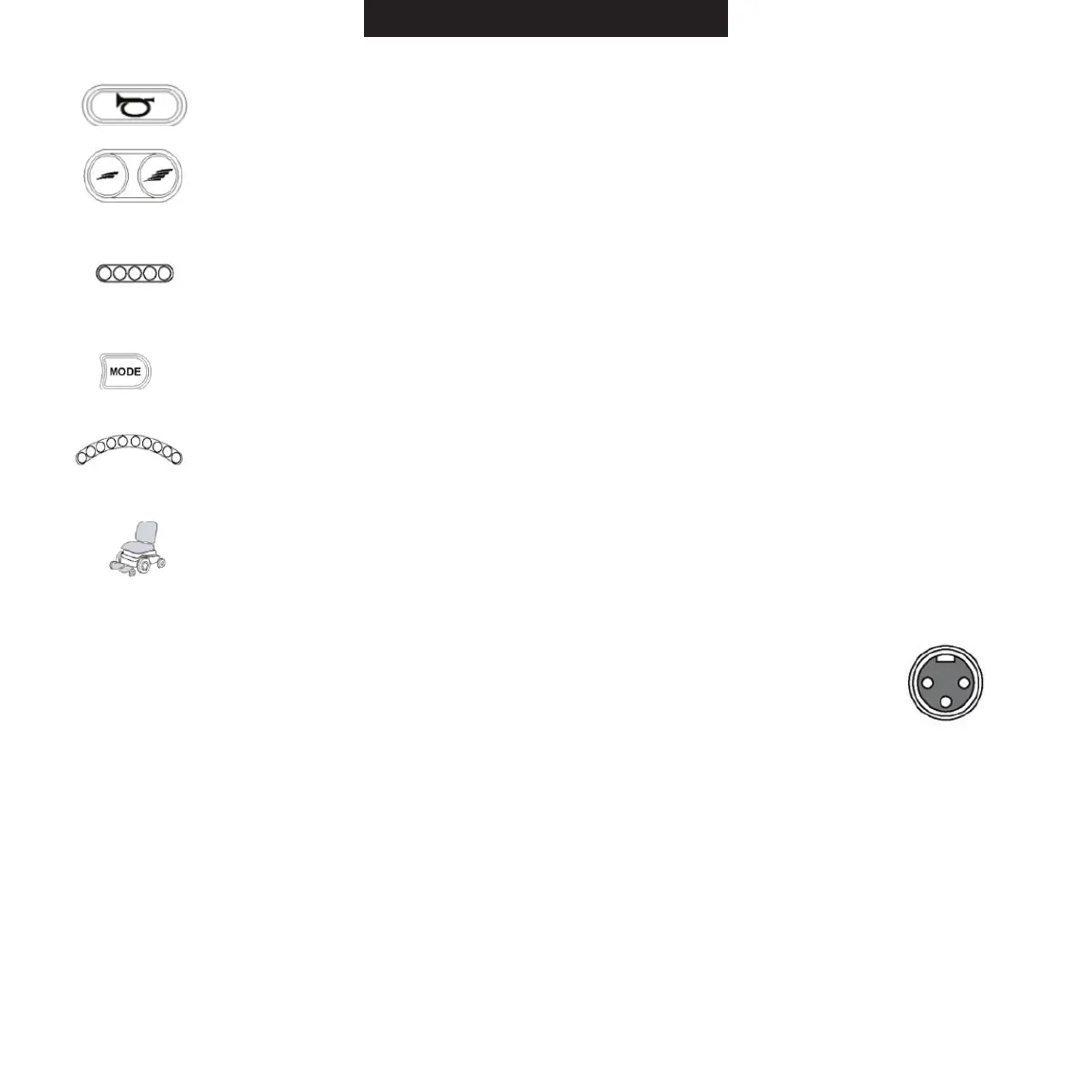
Horn Button: Press this button to sound the warning horn.
MaximumSpeed/ProleButtons:Usethesebuttonstoincrease/decreasethemaxi-
mum speed or, depending on programming, the maximum drive profile.
Note: LCD models will have a separate profile select button.
Maximum Speed Indicator (9-key control panel): This is a 5-segment display that
indicates the maximum speed or, depending on programming, the maximum drive profile.
ModeButton:Usethisbuttontomovethroughtheavailablemodesprogrammedinto
the control system.
Battery Voltage Indicator (9-key control panel): This is a 10-segment display that
indicates the state of charge of the battery. It also indicates any faults in the power
wheelchair electrical system.
Seat Indicator LED (9-key control panel only): If your power wheelchair is equipped
with power seat options, this indicator will display the active seat function when in use.
Charging Port (VR2/R-Net)
Usethisporttochargethepowerwheelchairbattery.Thisistheprimarycharging
port for the ROVI
®
X3 and should only be used with a qualified ROVI
®
X3 charger
certified by the original manufacturer of the power wheelchair. Do not use this port
asapowersupplyforanyotherelectricaldevicesotherthantheUSBchargersupplied
by ROVI
®
in the owner’s package. Failure to follow these instructions will void the warranty
of the power wheelchair.
R-Net LCD Screen (Optional)
The status of the control system can be understood by observing the various symbols and indica-
tors displayed on the LCD screen. Some of these symbols and indicators will always display on the
screen, while others will appear only under certain conditions.


 To Next Page