Chapter 2: Getting Started
8 Alpha 600sc User’s Guide
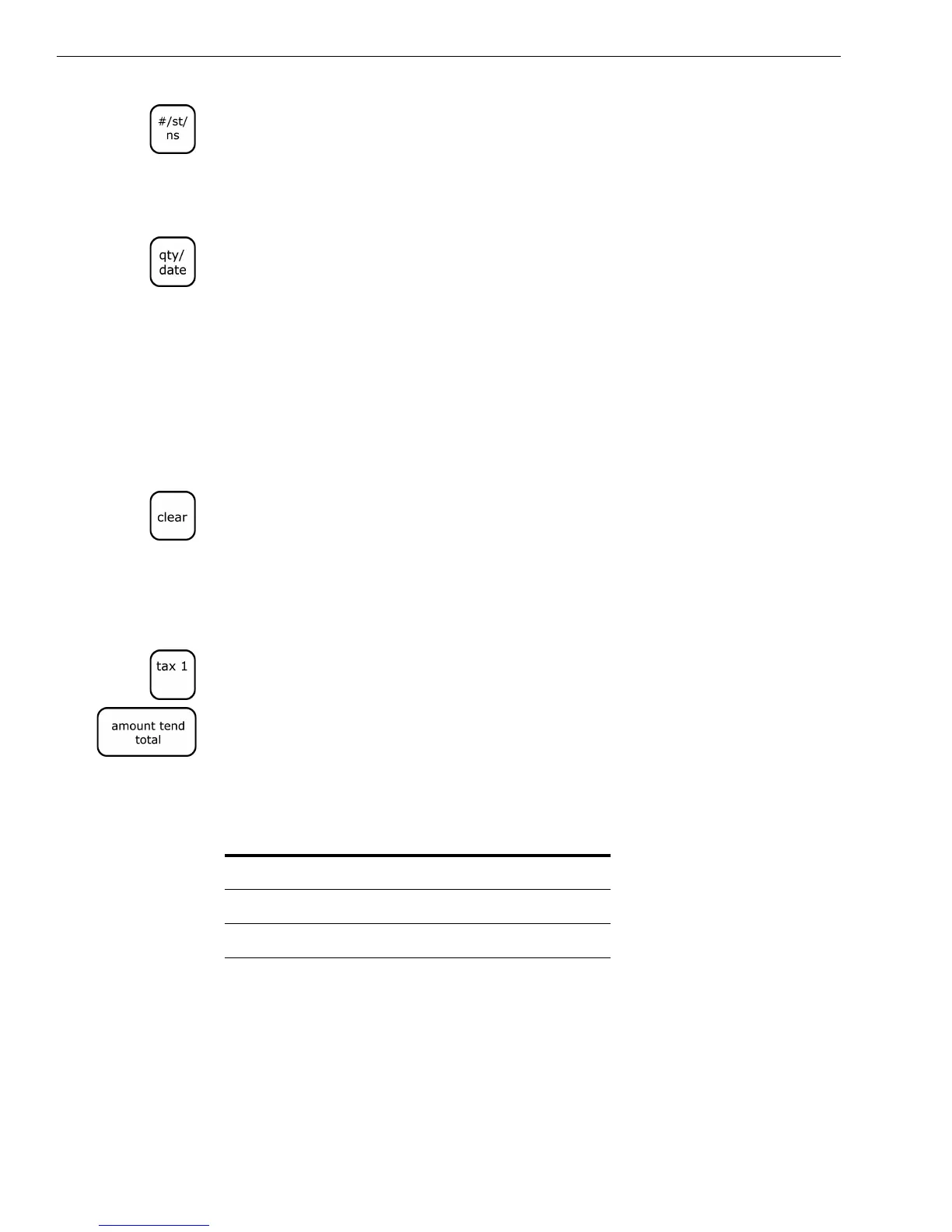
2 In the round Number keys area, press 063002 and then press the
#/ST/NS key.
To set the time
Example 2: To program 9:45 P.M.
1 Put the PRG key in the Mode key slot and turn it to the PRG position.
2 In the round Number keys area, press 2145 and then press the Qty/Date
key.
Programming the Sales Tax
Now you need to program the sales tax for your area. If you do not know
your sales tax rate, contact your local government office.
Tip
You must press at least 4 digits in step 4.
Note
If you make a mistake or you hear an error beep, press Clear and start over
with Step 3.
Example 3: To program a sales tax rate of 6%
1 Find your sales tax rate. You may need to contact your local government
office.
2 Put the PRG key in the Mode key slot and turn it to the PRG position.
3 In the round Number keys area, press 1 and then press the Tax 1 key.
4 Press 6000 and press the Amount Tend Total key. Your sales tax is
programmed.
To program other tax rates, in Step 4, press the following:
For more advanced tax rate programming, see Programming Complex
Tax Rates on page 69.
Table 1 Additional tax rate programming
For this tax rate... Press these keys...
7.75% 7750
5.5% 5500
10.5% 10500



 To Next Page