Chapter 4: Setting Up Your Cash Register - the Basics
24 Alpha 600sc User’s Guide
If you use double wide characters, the maximum number of characters
you can use is cut in half.
To make a character print extra wide, you must use the double width code
01 before each character as you type in the description.
Programming a Store Logo or a Commercial Message
You can specify a store header to print on customer receipts. The header
can be a maximum of 5 lines. Each line can have 24 characters in single
width or 12 characters in double width.
YOUR RECEIPT
THANK YOU
is the default printout for the header
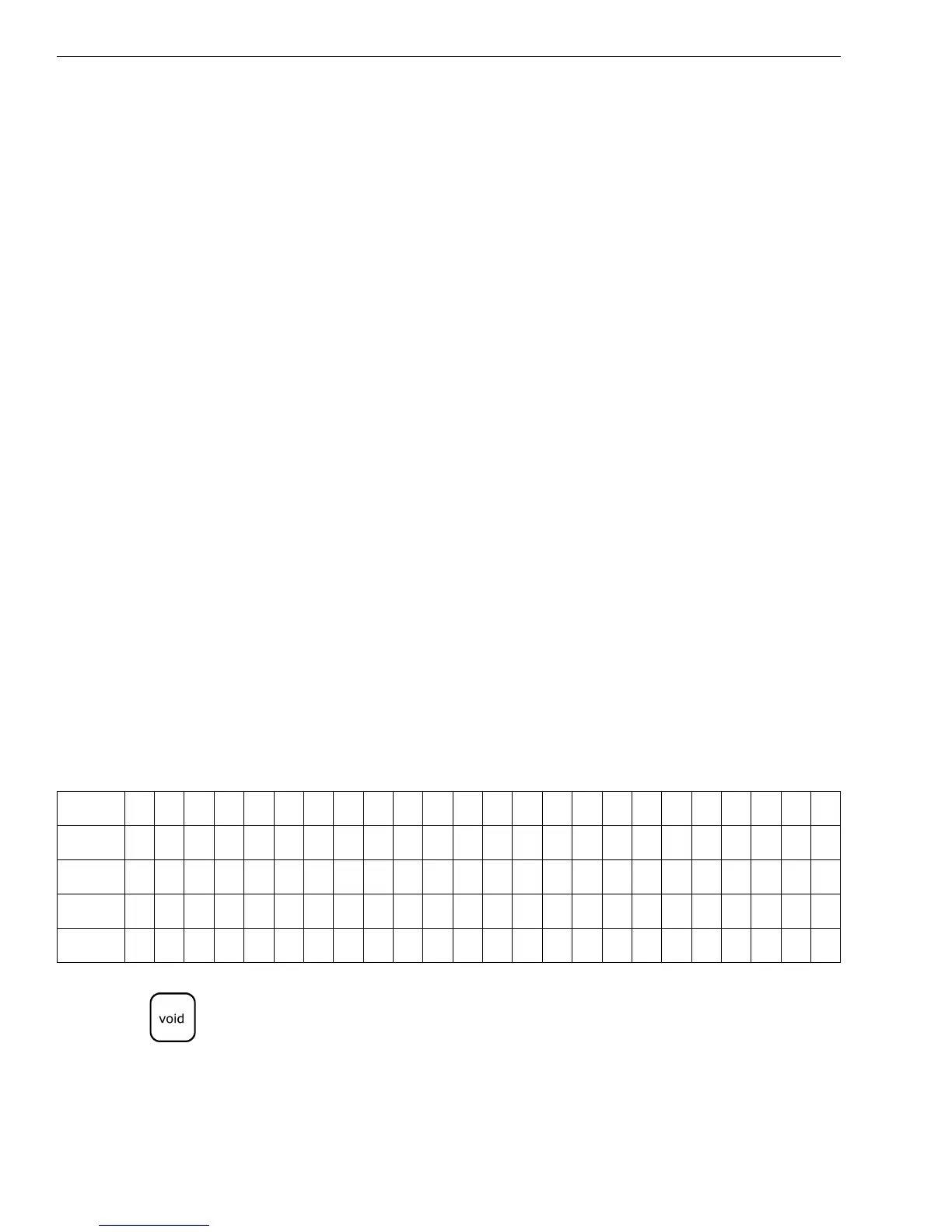
Make a copy of the blank Store Logo Worksheet below for future changes
or revisions to your logo.
Store Logo Worksheet
Use this worksheet to make your logo and message. Make a copy of the
blank worksheet before you start, in case you make a mistake or change
your mind.
Note
If you enter the wrong character, press the Void key to backspace and
delete that character and then continue.
• Department 6 characters
• PLU 6 characters
• Clerk Name 12 characters
• Store Logo/Message 5 lines, 12 characters each
• Commercial (Footer)
Message
5 lines, 12 characters each
Line 1
Line 2
Line 3
Line 4
Line 5



 To Next Page