Chapter 5: Setting Up Your Cash Register - Advanced
38 Alpha 600sc User’s Guide
4 To add another department, do step 3 again.
To program Department 1 as taxable with no preset price and no
description
1 Put the PRG key in the Mode key slot and turn it to the PRG position.
2 If you are prompted for a Manager Password, type the password number
and then press the Check key. If you did not program a Manager
Password, go to the next step.
3 Using the round Number keys, press 00001 and then press the
Subtotal/w/Tax key.
4 Using the round Number keys, press 0 and then press the Dept 1 key.
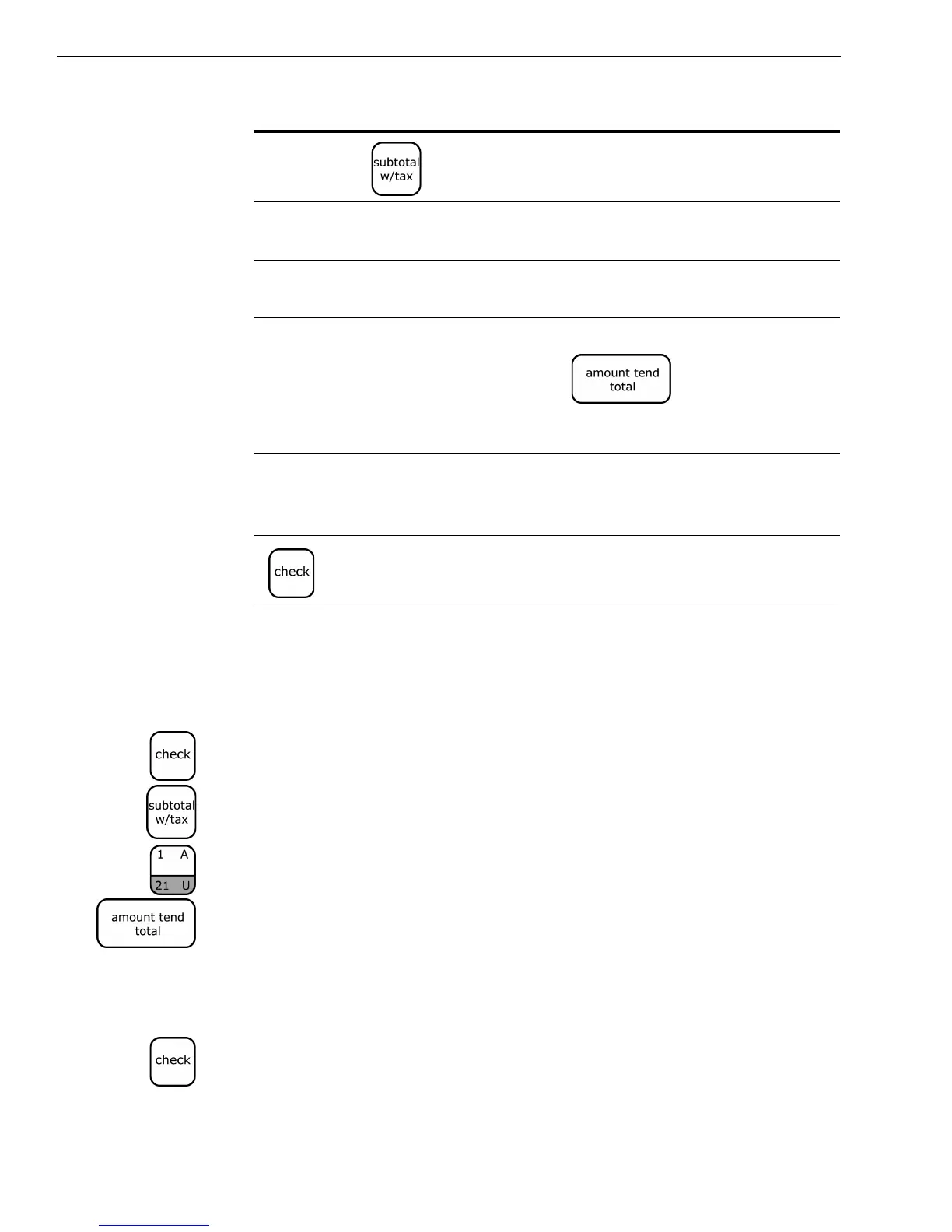
5 Press the Amount Tend/Total key. Skip this step if you are going to enter
a description. The department information is saved in the cash register.
To program Department 2 as non-taxable with no preset price and no
description
1 Put the PRG key in the Mode key slot and turn it to the PRG position.
2 If you are prompted for a Manager Password, type the password number
and then press the Check key. If you did not program a Manager
Password, go to the next step.
00 to 15
and then
Tax status 40
0 or up to a 7 digit
price
Department preset value 41
A department key The department key for
this department
Note
If you do not want to program a
department name, press the Amount
Tend/Total key.
Skip the next steps. You are done with this
department.
The alphanumeric
keys to spell the
department name.
The department name 42
The information is saved in the cash register
Press this... To specify this... See this page...



 To Next Page