CSD5 Servo Drive
P-2 Preface
Table for Parameter Setting
This manual uses the following table for parameter description.
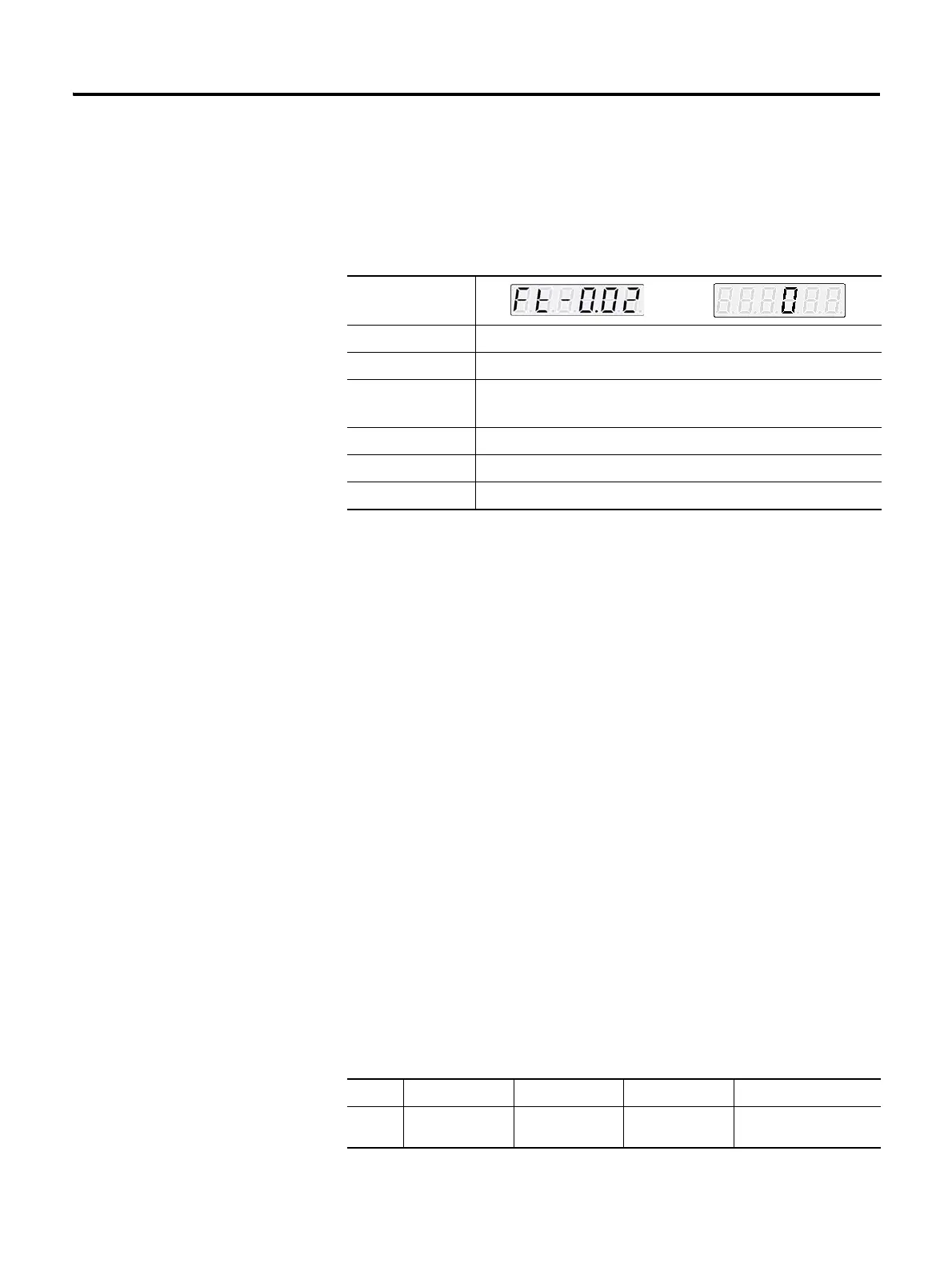
Example of Parameter Setting
Table Description
Parameter: at the top-left side shows the parameter being described.
The setting window on the right of the parameter, is entered when the
ENTER key is pressed. The parameter must be set from the digit in black
color and the initial value shows the initial value of the parameter.
It is classified into a parameter selected among already set values (“selected
parameter”) and a parameter, which the users give appropriate value. The
selected parameter, as shown in the example above, displays both parameter
and setting window, and the latter parameter displays only the parameter and
not eh setting window.
Parameter Name: describes the value selectable by the user and the selected
value.
Description: describes the function and usage of parameter.
Setting Value: describes the value selectable by the user and the selected
value.
Initial Value: Initial Value displayed when the parameter is selected.
Applicable Mode: alphabetically displays the corresponding control mode in
setting parameter, and displays (ALL) if all are included.
Parameter
Parameter Name Motor Forward Direction
Description You can choose the rotational direction of the motor
Setting Value • 0: CW
• 1: CCW
Initial Value 0
Applicable Mode All
Others Servo-OFF > Setting > End
Mode Position mode Speed mode Torque mode Multi-step speed mode
Displa
y
FSC
P



 To Next Page