4 5
Profeesional LCR Meter / EnglishProfeesional LCR Meter / English
• Place the battery compartment cover piece. Place screw at the bottom of the cover piece and tighten
down with a screw driver.
• Push and hold down the button for 2 seconds to turn on the instrument.
5-2. Low Battery Indication
The LCR meter has a battery indicator
to notify the user when to replace battery. When it displays
,the battery voltage is below normal working voltage. In this case,accuracy of the meter will also decrease.
It is recommended that the battery be replaced as soon as possible before continuing operation.See
"Installing Battery" for instructions.
6. Operation Instructions
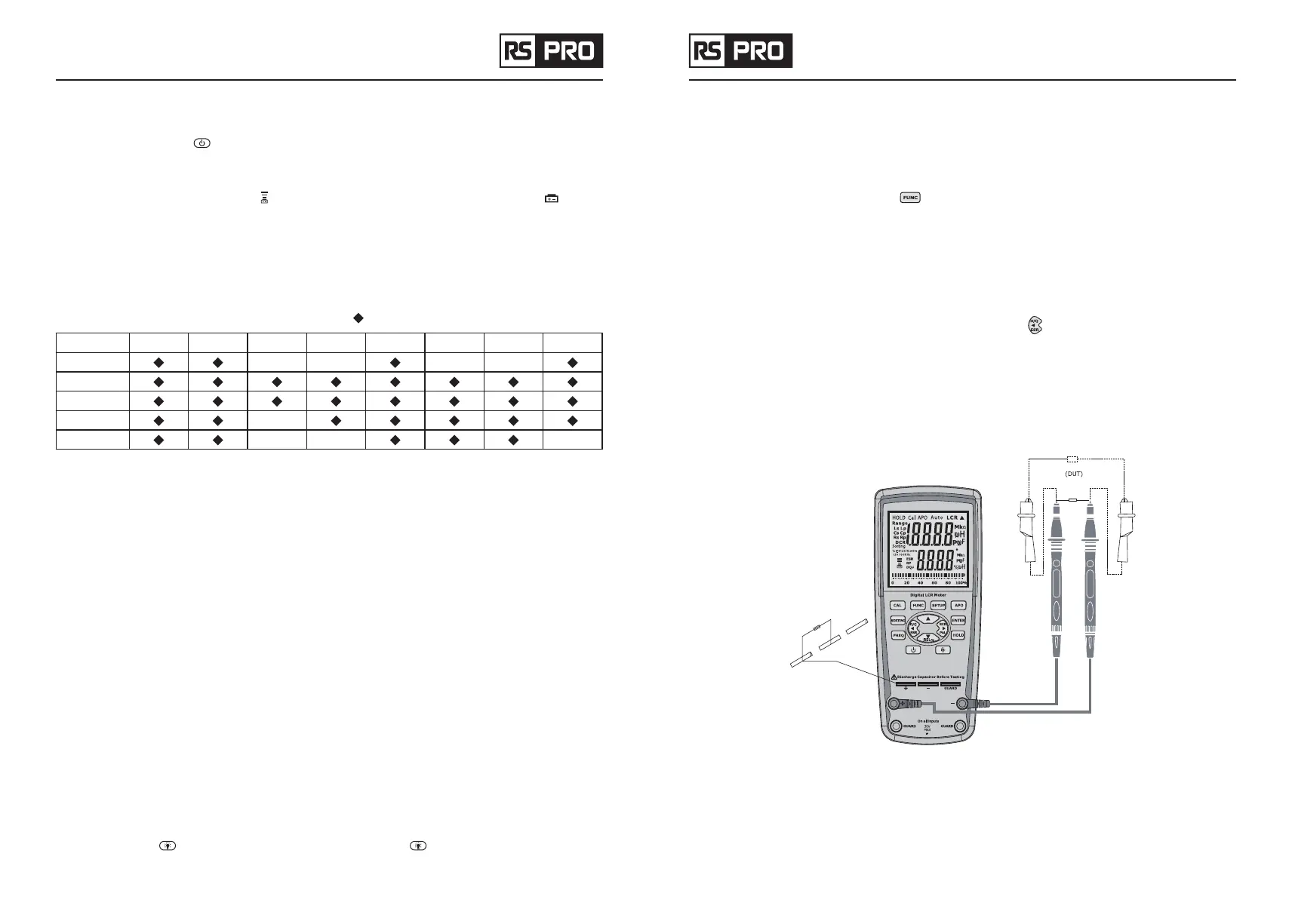
Push key function allowed to be active will be marked as “ ”
Keypads FUNC HOLD Dq
θ
S/P BKLIT SORT FREQ REL%
AUTOLCR
L
C
ACR
DCR
• Power ON/OFF
When LCR power on,all of the LCD segments will be ON for 2 seconds. Then the default initialization
process will be started.
The default mode is AUTOLCR smart mode and the default test frequency is 1 kHz.When the PWR_KEY
is pushed during power-on mode,the meter will enter power-off mode.The LCD will show the "OFF" state
before the whole system enters the power off status.
• Auto power off
In order to extend the battery life, except of using external power supply, APO feature will be helpful. It can
be enabled or disabled APO function by press the APO button and the LCD will show whether the function
is enable or not. When all function keypads do not be pushed or impedance range switching detected within
5 minutes, the system will launch the alarm buzzer beep at three times before the auto power-off status.
During the period of alarm, the meter will be kept in operation by pushing any function key again. If any key
is not in operation further, the system power will be off.
• Buzzer
If the function keypad available is pushed,the buzzer output beeps once.If the function keypad not available
is pushed,the buzzer beeps twice.
• Backlight
When user push the
button, the backlight will be active. Push the key again to disable the backlight.
When the backlight is active to last for 60 seconds, the backlight will be disabled automatically.
• Battery detect
The meter will detect the battery multi-level voltages periodically.
The LCD indicators of battery life will be disappeared according to the decreasing of battery voltage.
• Primary impedance with secondary parameter test mode
When AUTO/L/C/R function selection key
is pushed, the main test mode could be selected sequentially:
Auto-LCR mode
→
Auto-L mode
→
Auto-C mode
→
Auto-R mode
→
DCR mode
→
Auto-LCR mode. The default
test mode is Auto LCR mode which could check the type of impedance smartly and enter to the L/C/R
measurement mode automatically. The secondary parameter will follow the L/C/R measurement. It means
that (L + Q) , (C+D)
2
, (R+Q)
2
are combined in one group respectively. When Auto-L or Auto-C mode is
selected, the impedance measurement is auto ranging. The primary LCD display will show the inductance
or capacitance of DUT (device under test). The secondary LCD display will show the quality or dissipation
factor. The D/Q/
θ
/ESR value can also be shown by pressing the
button. When Auto-R (ACR mode) or
DCR mode is selected, the secondary parameter is omitted.
Note:
When Auto-LCR mode is active,the secondary parameter will show the equivalent resistance in
parallel mode (Rp) to replace the D factor if the C measured value of DUT is less than 5pF.
Note:
Auto-LCR mode only.During Auto-R mode or DCR mode, the secondary parameter is not available.
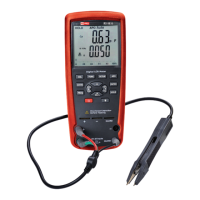
Figure 2–Device under test display


 To Next Page