8
Section 5
Section 5Section 5
Section 5
Control Panel Description
Control Panel DescriptionControl Panel Description
Control Panel Description
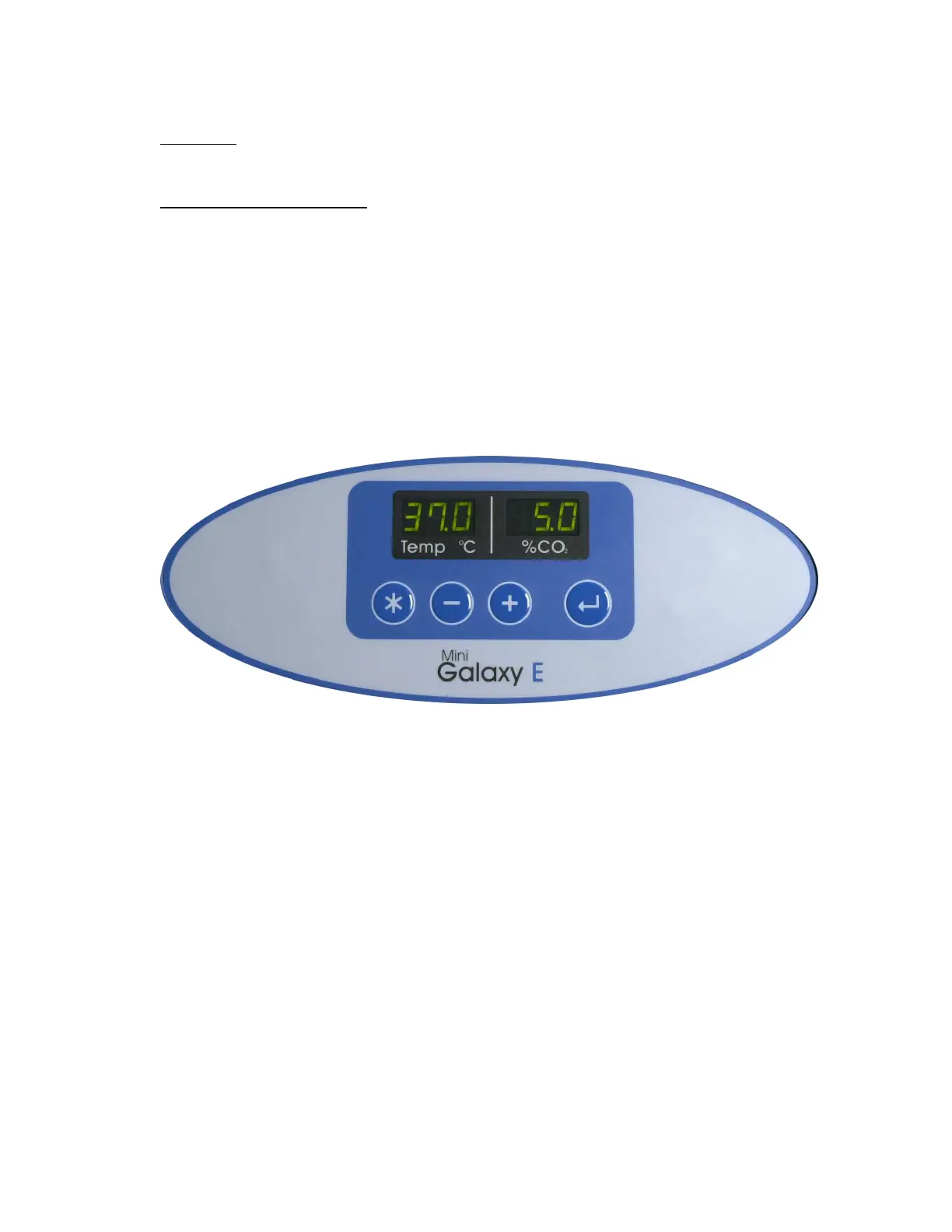
The control panel consists of two, 3 segment LED displays, and 4 keys. The functions and
descriptions of these are described below.
∗
PROGRAMMING Key
+
PLUS Key
-
MINUS Key
‘↵’
ACCEPT Key
The decimal points on the display for Temperature and CO
2
flash ON / OFF to signify that the Alarm
System is not armed.
The picture above shows the screen in normal operation, this is how the screen should be illuminated
when running normally.



 To Next Page