VX88-18G USER GUIDE
Technical Support: Support@rticorp.com | Customer Service: CustServ@rticorp.com
25
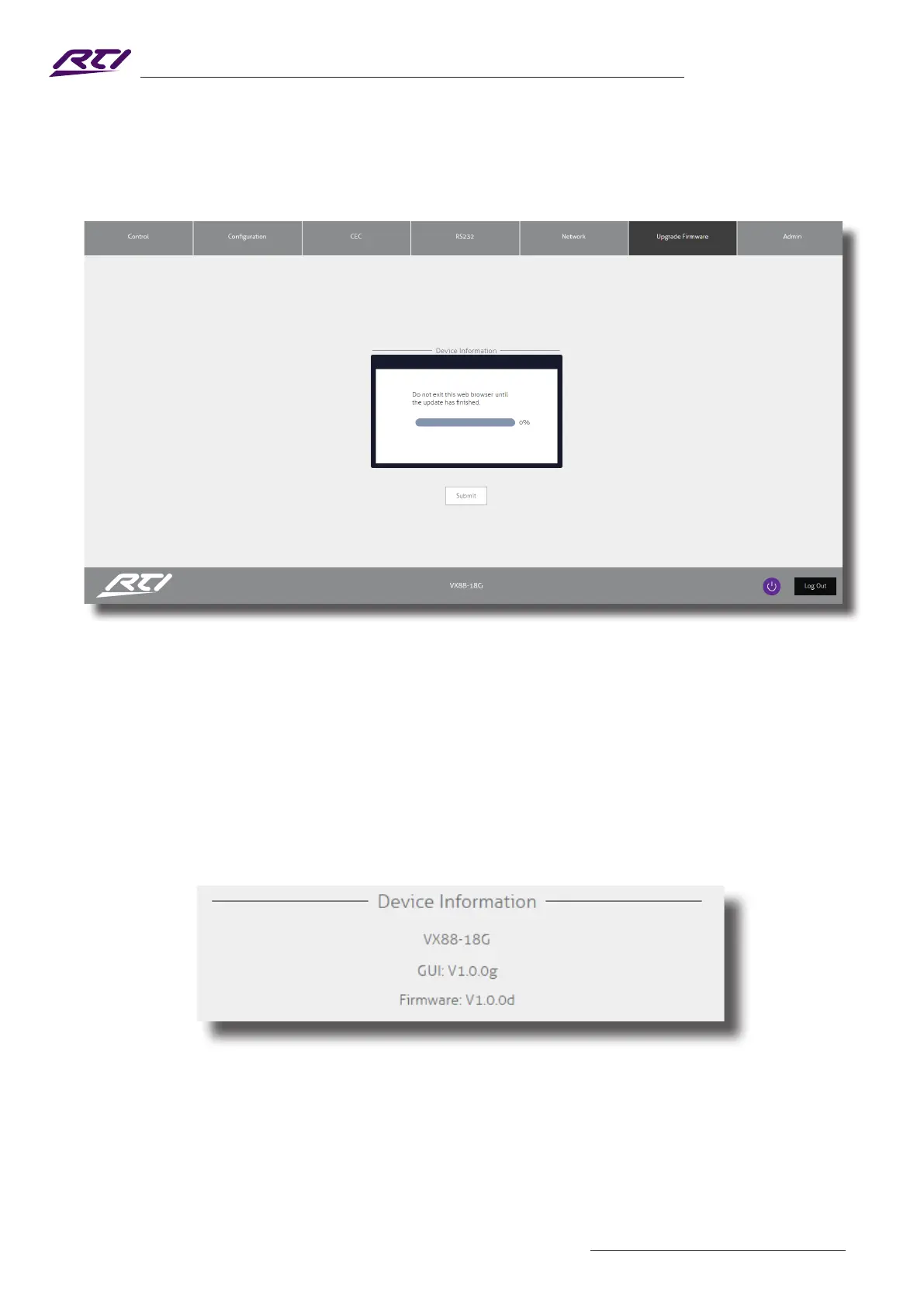
5) Press 'Submit' to begin the rmware update process:
The update process will take up to 1 minute and once complete the message 'Success' will be shown. Do not
refresh or navigate away from this page until the update process has completed.
6) The Matrix will reboot once the update has nished.
7) Once the Matrix has rebooted, login to the product and conrm both rmware levels have updated to the
latest versions:
Please Note: you may have to refresh your browser for the updated rmware versions to show.



 To Next Page