VX88-18G USER GUIDE
Technical Support: Support@rticorp.com | Customer Service: CustServ@rticorp.com
09
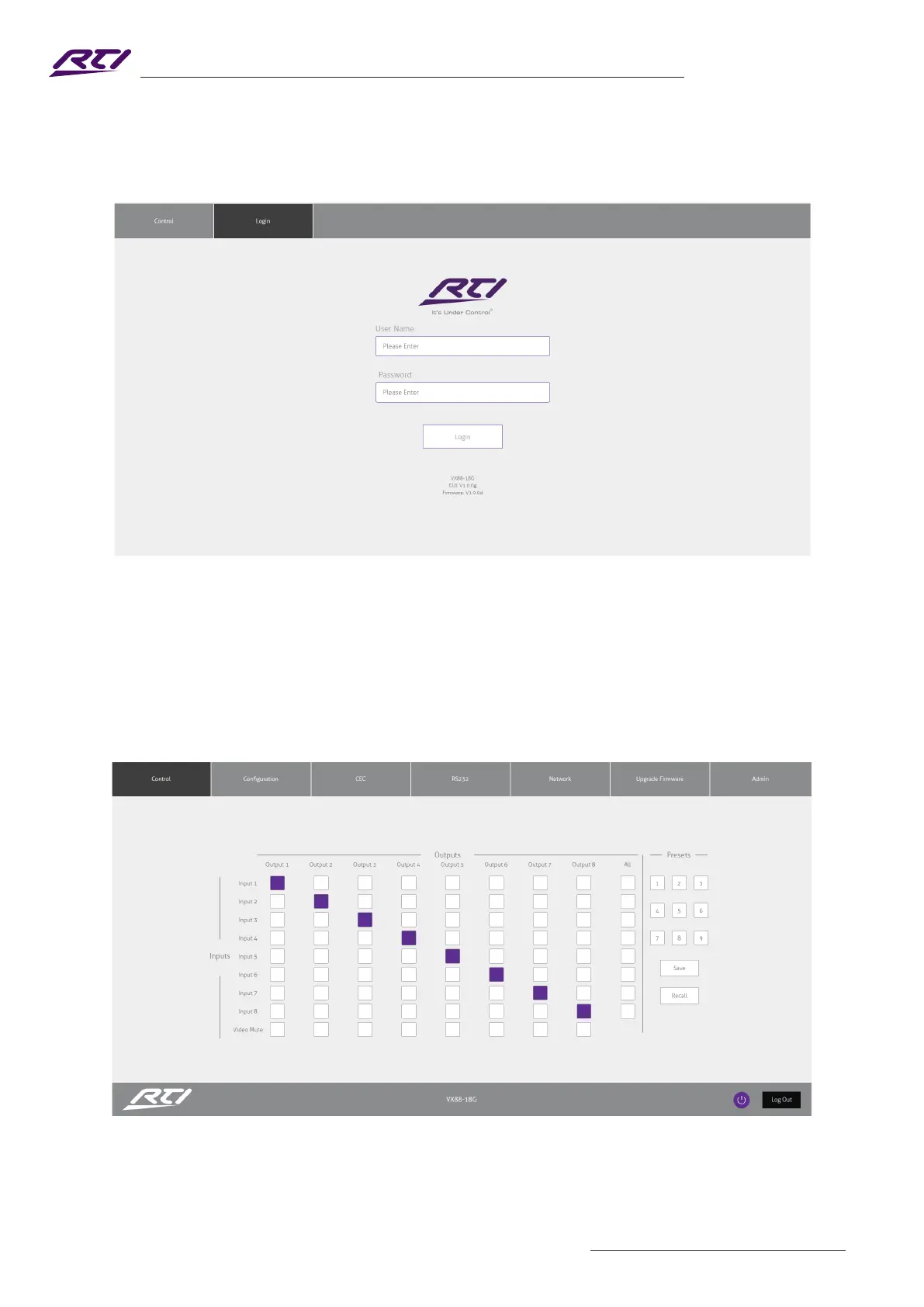
Login Page
The Login Page allows a user or admin to login and access additional functionality.
This page also shows you the current rmware version of both the Matrix and Web GUI.
User Control Page
The Control Page allows a user to change inputs for each zone (output). Simply select the square that
corresponds with the input and zone you wish to change.
A User or Admin also has the ability to Save or Recall pre-congured Presets. A Saved Preset will store the
specied input to output conguration, and allow the conguration to be recalled as required.
There is also a power button on the lower right corner to turn the Matrix on or o.



 To Next Page