VX88-18G USER GUIDE
www.rticorp.com
10
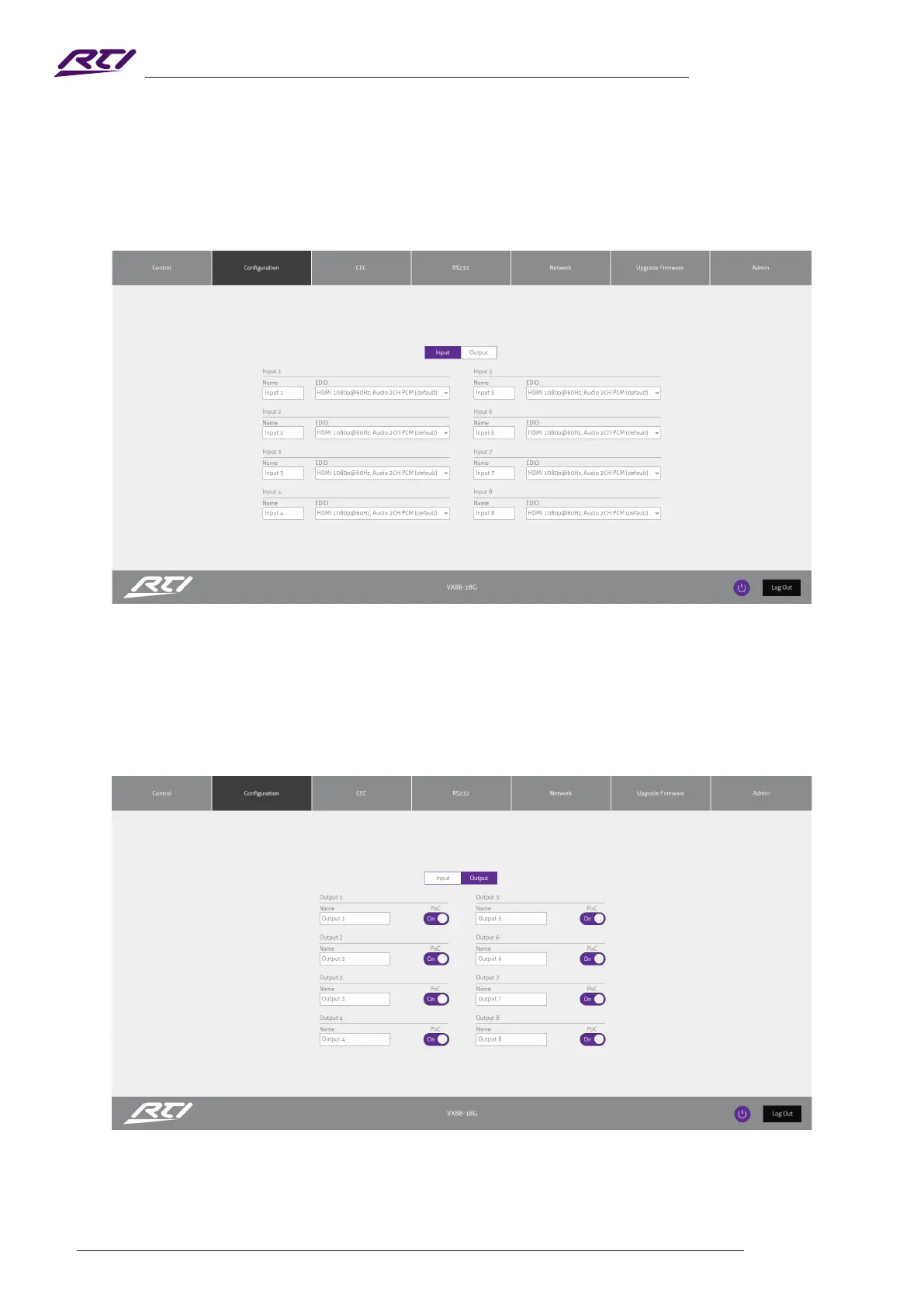
Conguration Page - Input
The Conguration Page allows for conguration settings for both inputs and outputs of the Matrix.
The conguration menu for either Input or Output is located at the top of the window.
Within the Input Page, enter a Name for each input as well as specify the required EDID from the drop down
menu.
Conguration Page - Output
The Output Page allows settings specic to the outputs of the Matrix to be changed.
A Name can be specied as well as turn PoC (Power Over Cable) on or o for each output / receiver.



 To Next Page