VX88-18G USER GUIDE
Technical Support: Support@rticorp.com | Customer Service: CustServ@rticorp.com
11
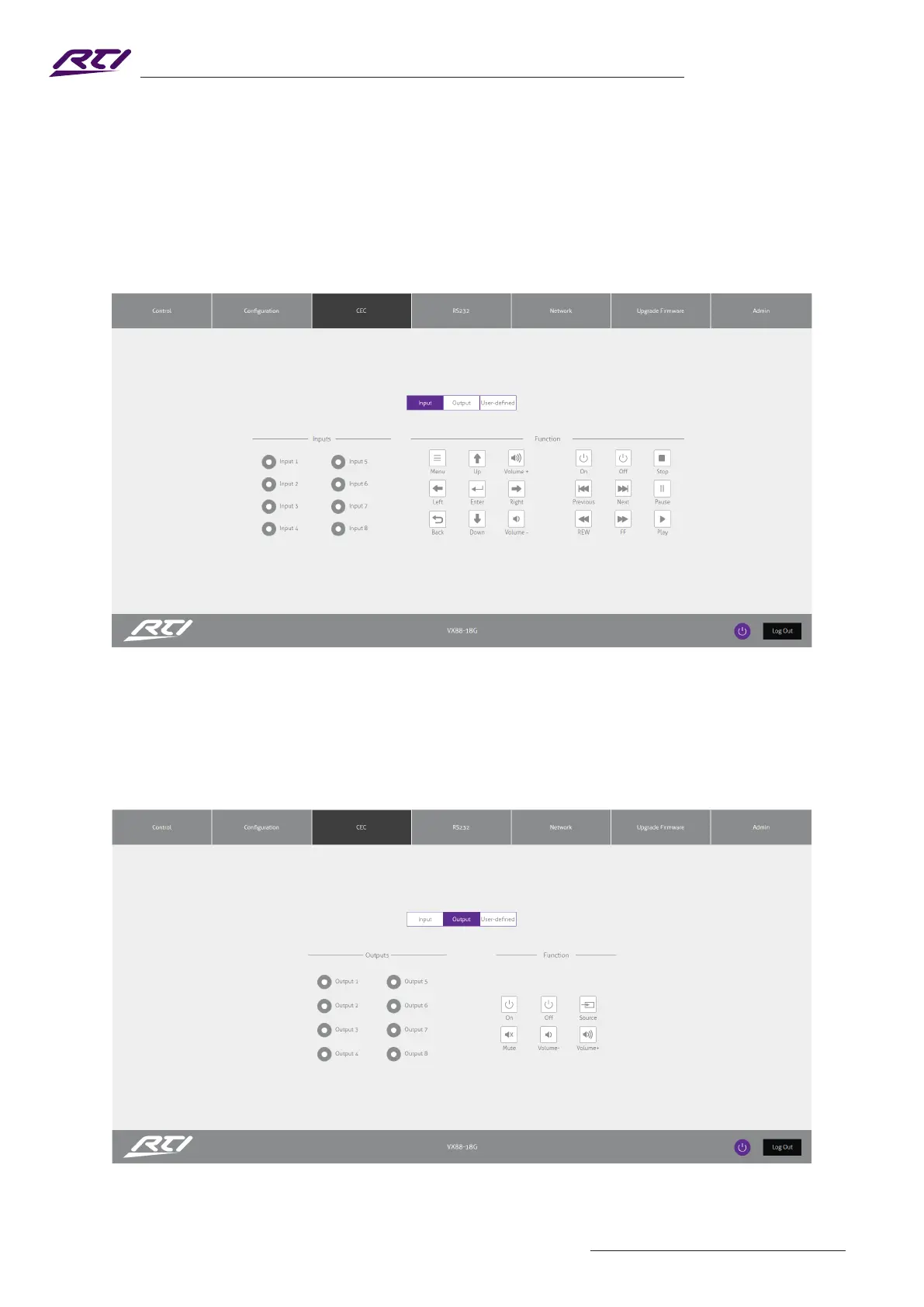
CEC Page - Input
The CEC Page allows for a pre-dened, or user-dened CEC command to be sent to any Input or Output
connected to the Matrix.
Choose between Input, Output and User-dened sections at the top of the window.
On the CEC Input Page, you must specify a specic input to send the CEC command out of. Press the icon of
the command you wish to send at it will be transmitted to the source device connected to the specied input.
Please Note: CEC is subject to the support of the sources and displays connected to the Matrix.
CEC Page - Output
On the CEC Output Page, you must specify a specic output to send the CEC command out of. Press the
icon of the command you wish to send at it will be transmitted to the display device connected to the specied
output.
Please Note: CEC is subject to the support of the sources and displays connected to the Matrix.



 To Next Page