EN
DA
DE
ES
FR
IT
JA
KO
NL
NO
PL
RU
ZH
5
Setup wizard
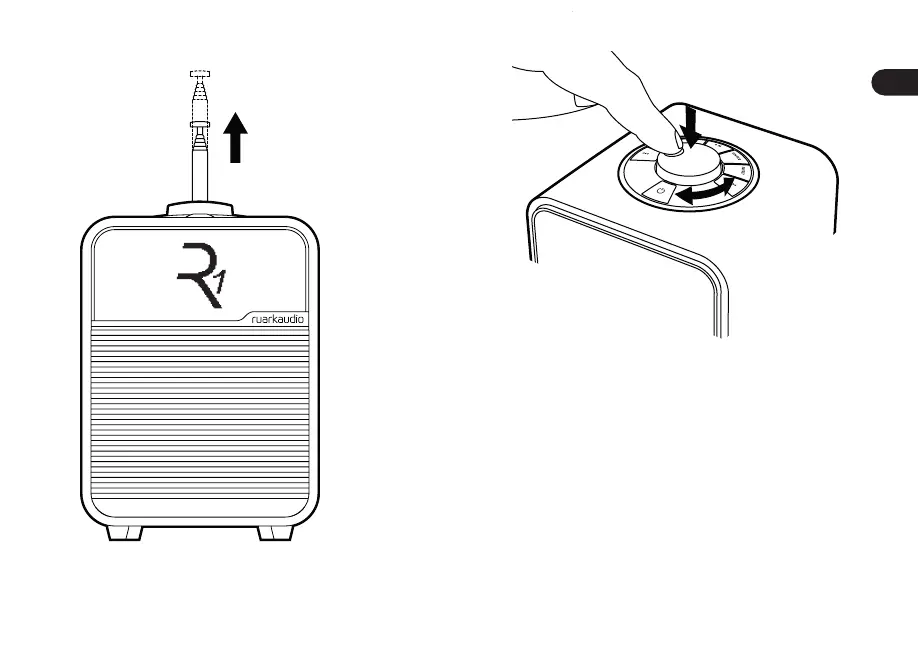
Follow the setup wizard to congure your R1.
Rotate the CONTROL KNOB until your preferred choice is
shown, then press the CONTROL KNOB to SELECT.
If you live in a region without DAB/DAB+, you can choose to
disable DAB. To enable it again, simply reset the system and
enable DAB during the setup wizard.
Need more help?
For more information, see www.ruarkaudio.com/support.
6


 To Next Page