7
11.
The “tan(“ button is used for searching the internet. Type in a query while in Chat
Mode and then press this button to retrieve search engine results to the
calculator. Use the “M+” button to read the received search results.
The “tan(“ button is also used for the File Search feature. While reading a stored
file press the “tan(“ button. Next, type in your search query using the number
pad. Finally, press the “Equals” button to execute the search and you will
automatically skip through the file until the next occurrence of the query is found.
After executing a File Search you may want to then skip again to the next
occurrence of the query without re-typing the query again. To do so, simply press
the “SHIFT” button followed by the “tan(“ button to skip immediately to the next
occurrence from the previously entered search query.
12.
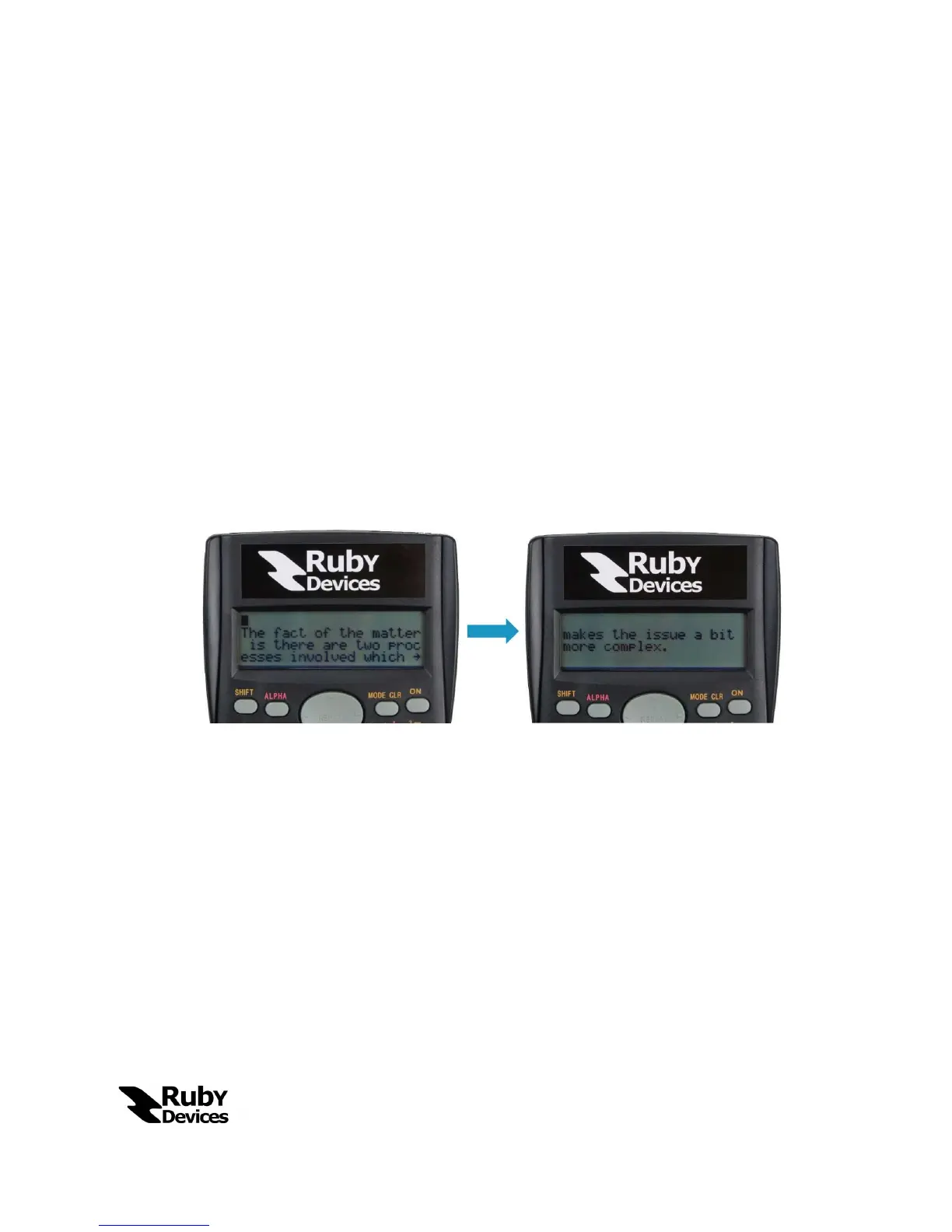
The “M+” button allows the user to cycle through large received messages that
are larger than the size of the screen. See below for a visual description of what
pushing this button does to the screen.
13.
The “,” button is the Emergency/Panic button. Pressing this button will force the
calculator out of “Chat Mode” and relock the device. The password will need to
be re-entered for all “Chat Mode” functionality to resume.
14.
The “Equals” button in “Chat Mode” will send the typed message to the
connected device. If no device is connected this button will alert the user that no
devices are connected.
The “Equals” button also offers a feature in “Calculator Mode”. While in
Calculator Mode the “Equals” button will naturally evaluate the given expression.
What the user may then do, however, is press the “SHIFT” button followed by the
“Equals” button which will send the last evaluated expression and result to any
connected devices.


 To Next Page