Switch
~
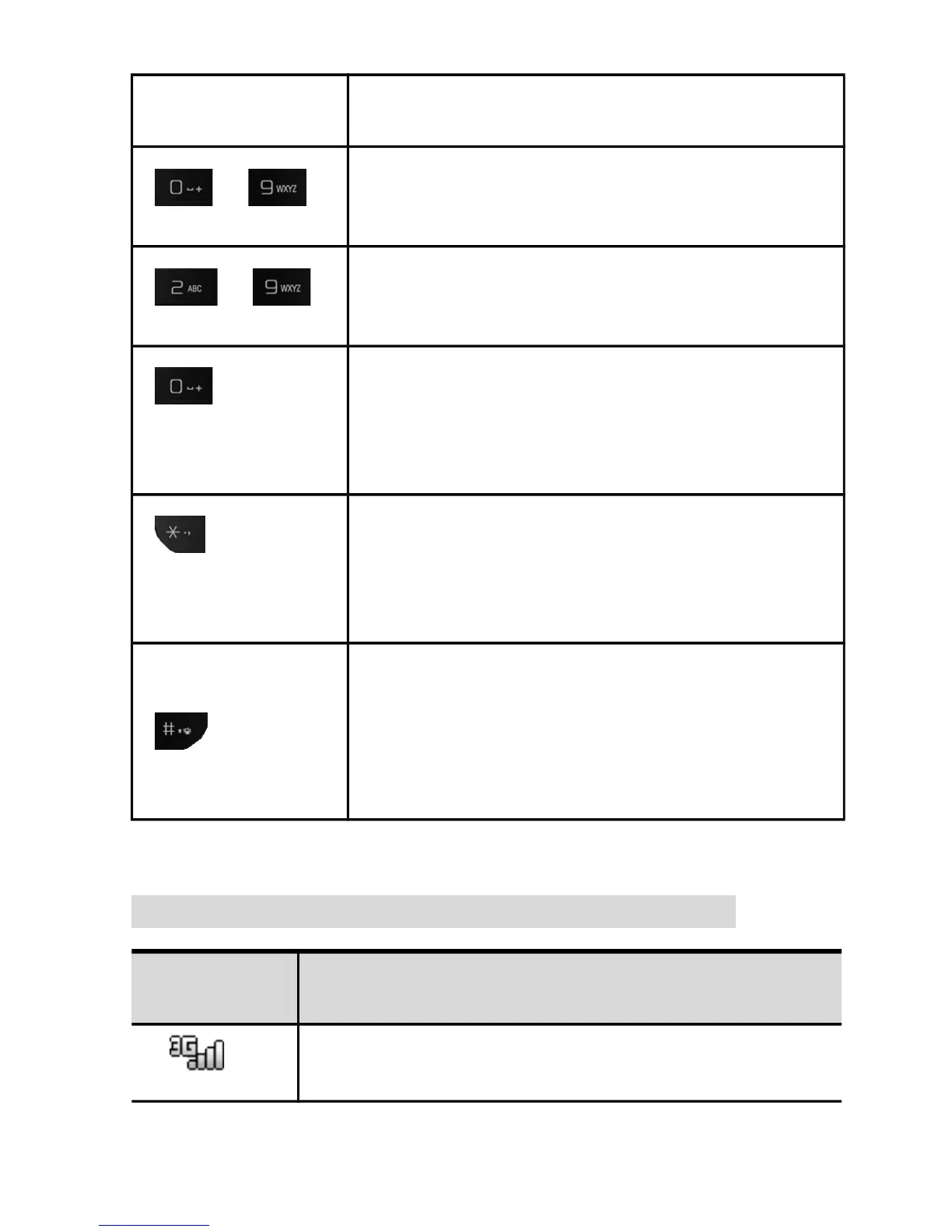
Numeric keys to dial phone
numbers;
~
Long press to call contacts
programmed into speed dial.
1) Press 0 for the space during text
input;
2) Long press 0 for + during dialing;
1) Press * for symbols during text
input;
2) Input*/P/W during dialing;
1) Press # to change text input
method during text input;
2) Long press and hold # to change
profiles on idle screen.
Status icon
Icon Function
Signal strength
5



 To Next Page