3. Quick Start Guide
Standby and Unlock
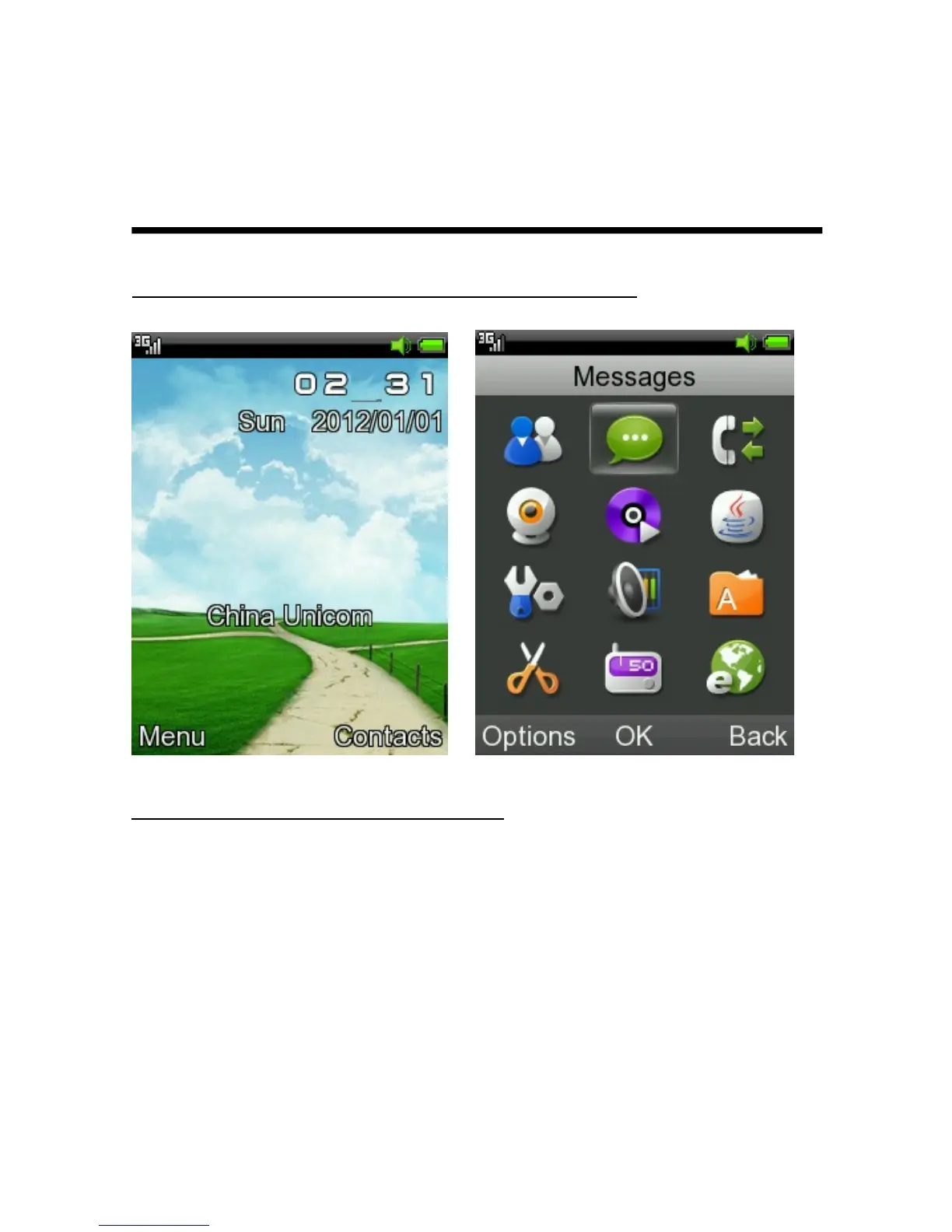
Standby Screen and Main Menu
Date and Time Setting
1. < Main Menu > → <Settings> → <Phone
settings> → <Time and date>.
2. Choose <Time>, input to adjust the time,
and then press [LSK] key to save.
3. Choose <Date>, input to adjust the date,
13



 To Next Page