Please use the appropriate software to view
when uploading to PC.
You need to delete some pictures or other
files in “File manager” to release space if
the memory is not enough for new pictures.
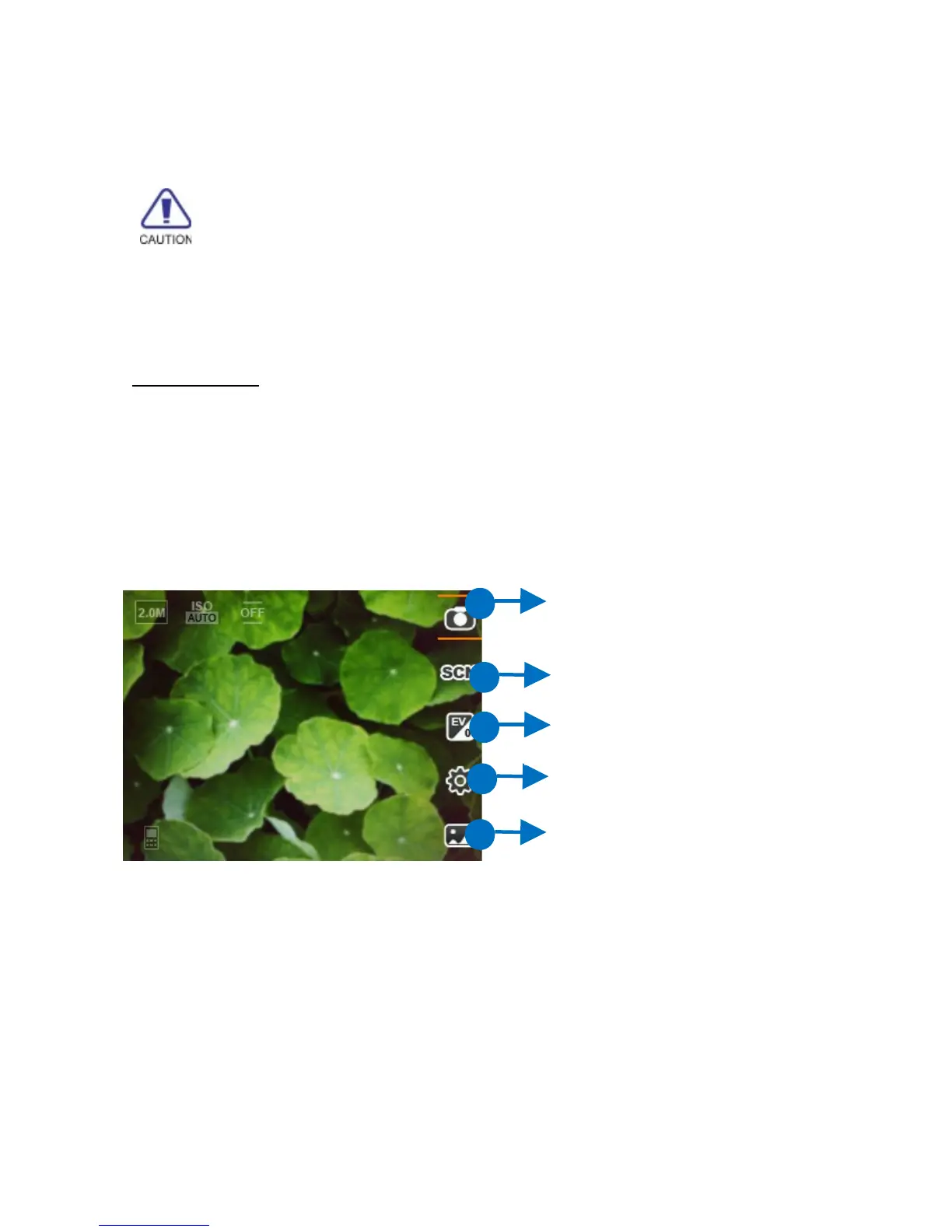
Preview
In the preview screen, press [LSK] key or [Up]
key to view option menu:
Switch Record/Snapshot: switch
between camera and camcorder.
Scenes: Select Normal, MMS,
Continuous, Night, Sunset or Text
mode.
EV: adjust Exposure value.
41
Switch
Record/Snapshot
Album
EV
Settings
EV
EV
EV
Scenes



 To Next Page