Msg preference: to set email’s
download mode, maximum size,
etc.
Signature: to edit your signature
4. After the settings, back to the Email, select
to enter Inbox/Outbox/Sent/Drafts or write a
new email.
Switch an account
1. In Email screen, press [LSK] key and
select <Accounts> to enter Accounts
screen.
2. Press [Up/Down] key to select the
account you want.
3. Press [LSK] to complete the selection.
34
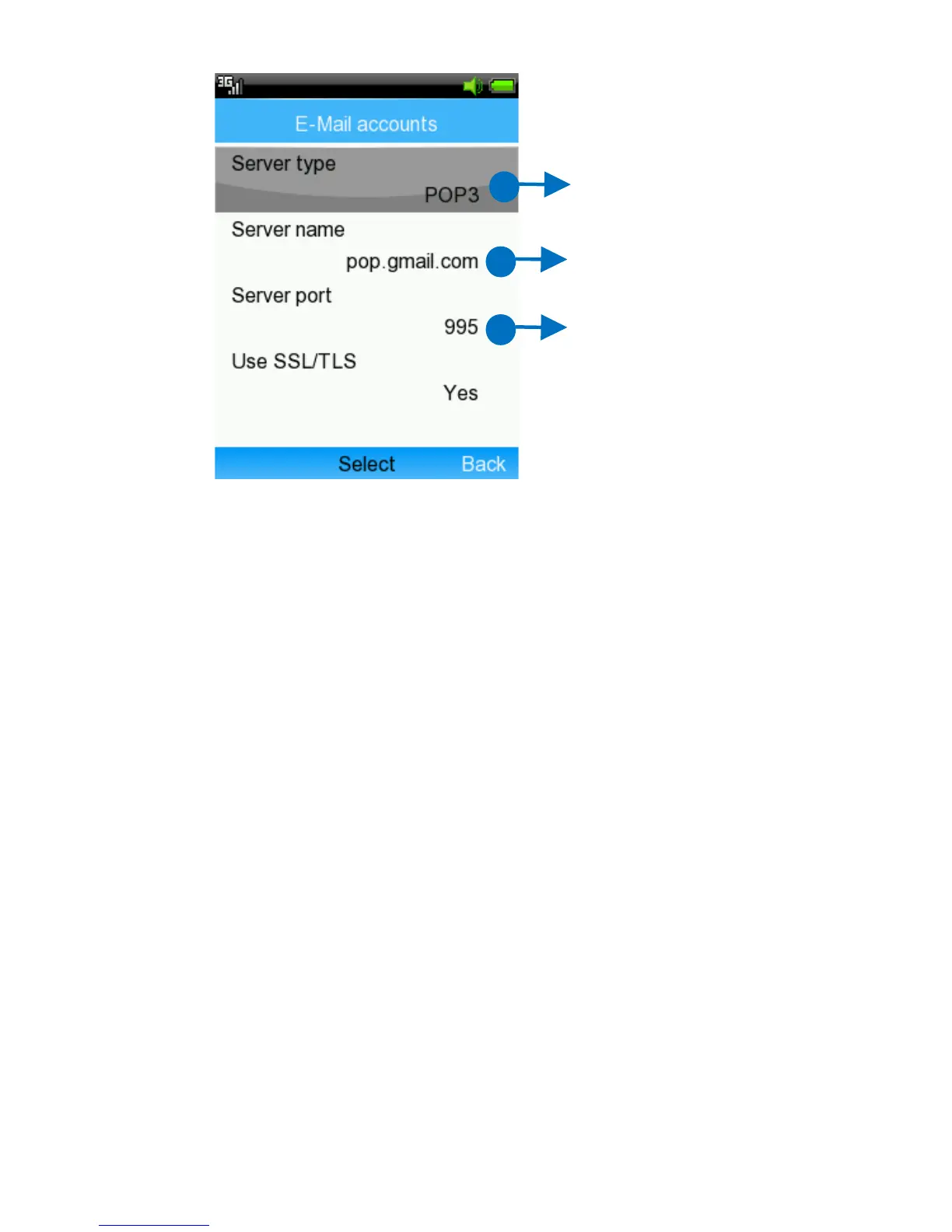
Select your server
type
Edit Server name
Edit Server port



 To Next Page