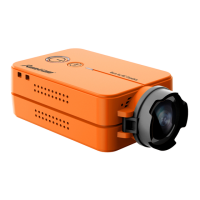
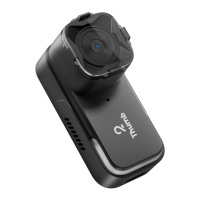
Notice: camera will shut down when its temperature reaches 96℃.
Recording lasts about 10 mins at 4K@60fps or a still status, or
camera shuts down out of protection. Please cool the device or
reduce resolution for long-time recording. In-ight recording is
not subject to this limitation.
Please visit:
https://suppo.runcam.com/hc/en-us
Download Product Suppo
11
12
Test method two
Assign the channel to a switch of the controller
Please choose your Model on the controller, then access to
the MIXER inteace and assign the channel to a switch. Here
we take Radiomaster TX12 as an example, assigning CH7 to
SF position.
Congure at Modes
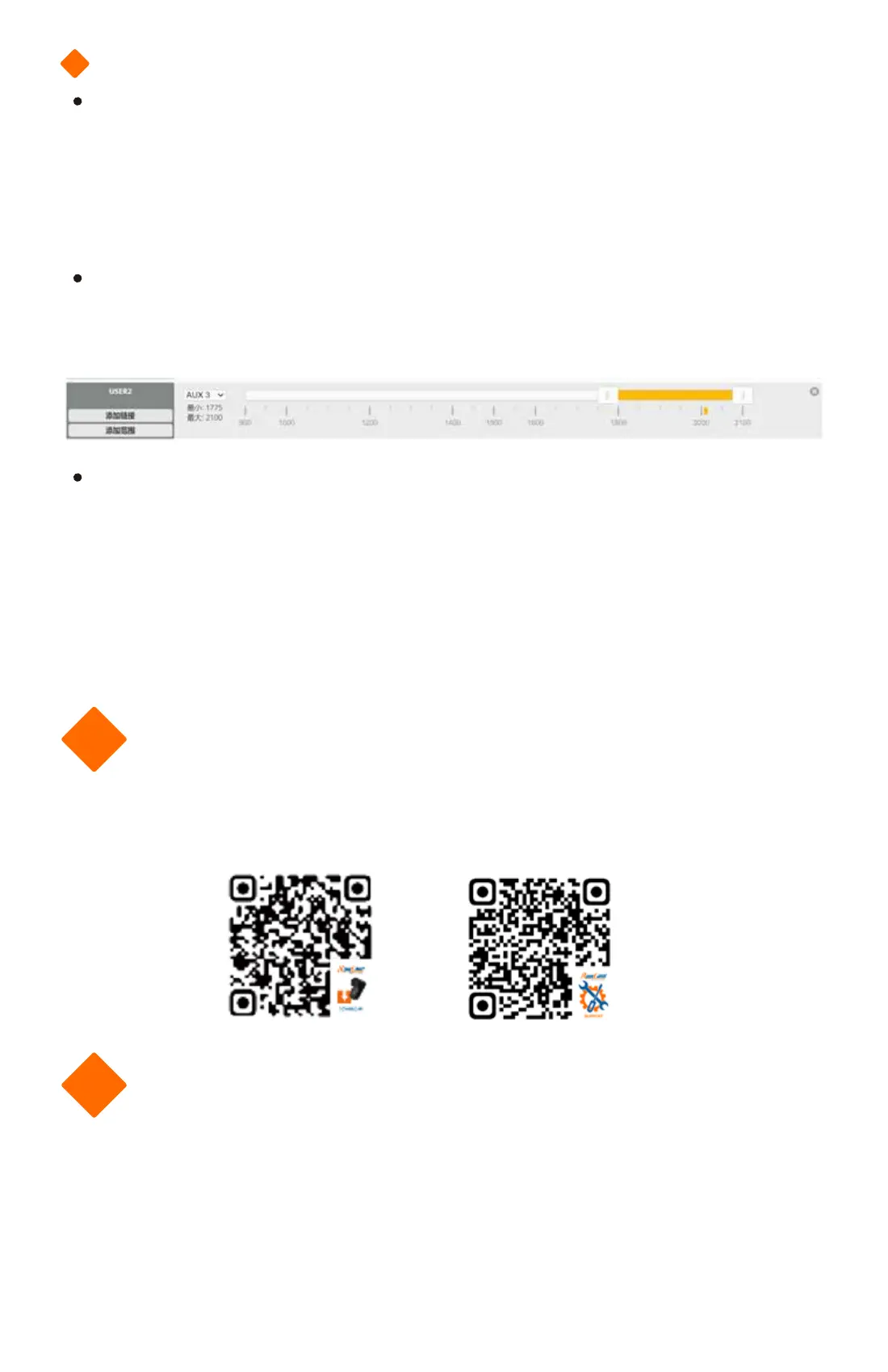
Navigate to the Modes tab at the BetaFlight, and nd Mode
USER2. Here takes AUX3 as an example to congure.
Control the camera via radio controller
Set the SF position in the middle by default, toggle it to bottom.
Toggle once, camera will sta/stop recording.
Note:
one-time toggling means the SF position moves quickly from
middle to bottom and goes back to middle, generating an
eective command.
App Download
Please search “RunCam” in Google Play or Apple Store to
download, or download the App on the ocial page.
Product Suppo


 To Next Page