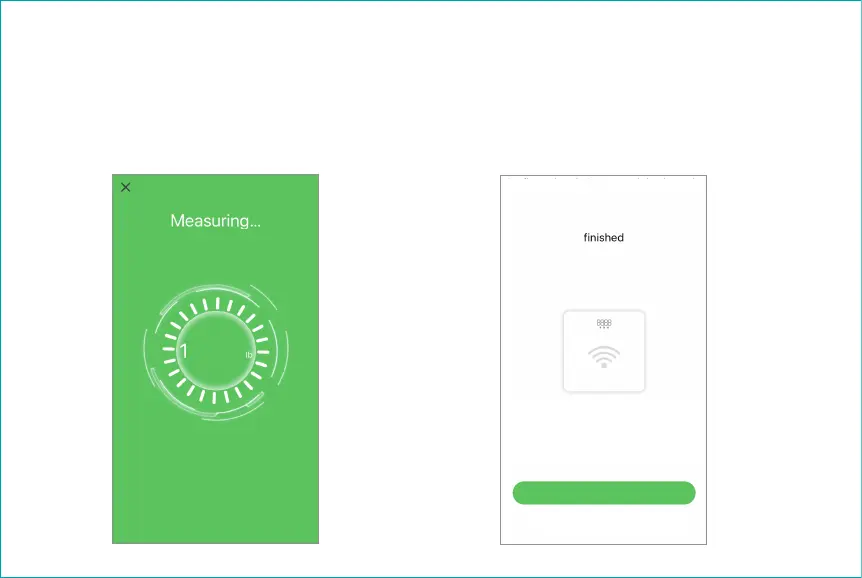
9. Keep standing on the scale for 5-10 seconds
while the scale uploading the measurement data
to your app.
On the scale you may notice that your weight will
flash 2-3 times.
10. After the data upload completed, you may
start “Wi-Fi Configurations” or “Skip Wi-Fi
Configurations” at this time.
Select Wi-Fi
Wi-Fi Configurations
Skip Wi-Fi Configurations
Tap the “Wi-Fi Connections” button to configure
your Wi-Fi connections. With the Wi-Fi your scale
measurement data will be uploaded without your
app running. You will be able to use the scale
hands-free.
28.40


 To Next Page