After setting up your scale, you need to setup your Runcobo mobile app. Without the app you can only see
your current weight display on the scale. You don’t see your body compositions measurements. You cannot
track your history either.
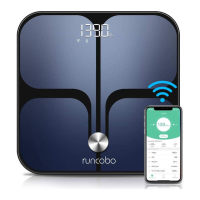
With the Runcobo mobile app, you will have full access to all the measurements from the CS20C scale. All
the measurements will display on your mobile app. The mobile app provides easy tracking of your weight
history and many more features.
The CS20C scale supports both Bluetooth and Wi-Fi wireless connections. You can use the scale with
Bluetooth only, without setting up Wi-Fi connections. With or without the Wi-Fi connections you will have all
of your measurements and all of your history. It is highly recommended that you setup Wi-Fi connections if
a secure network is available. Scale with Wi-Fi connections offers additional features and conveniences.
Setup Runcobo Mobile App


 To Next Page